For homes
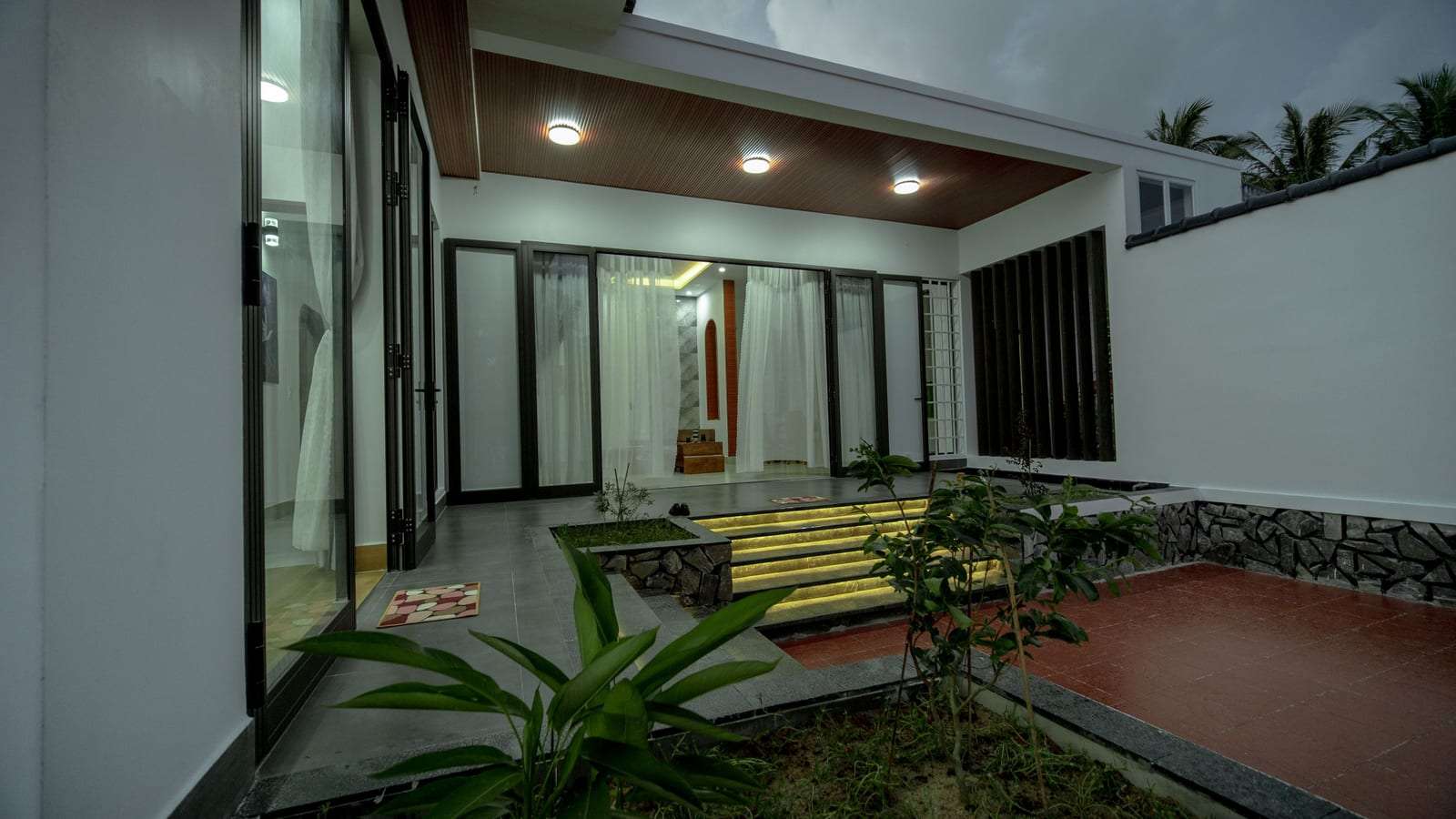
Home CCTV installation for villas and apartments
Home cameras have a simple job: show you who is at the gate, let you check on the cars and the yard while you are at work or away, and give you a clear recording if you need one. But a home is not a shop, and a camera in the wrong place bothers your family and neighbours more than it helps.
Villa, apartment or istiraha: send one request with the type of home, your city and the areas to cover, and licensed installers serving your area send you quotes.
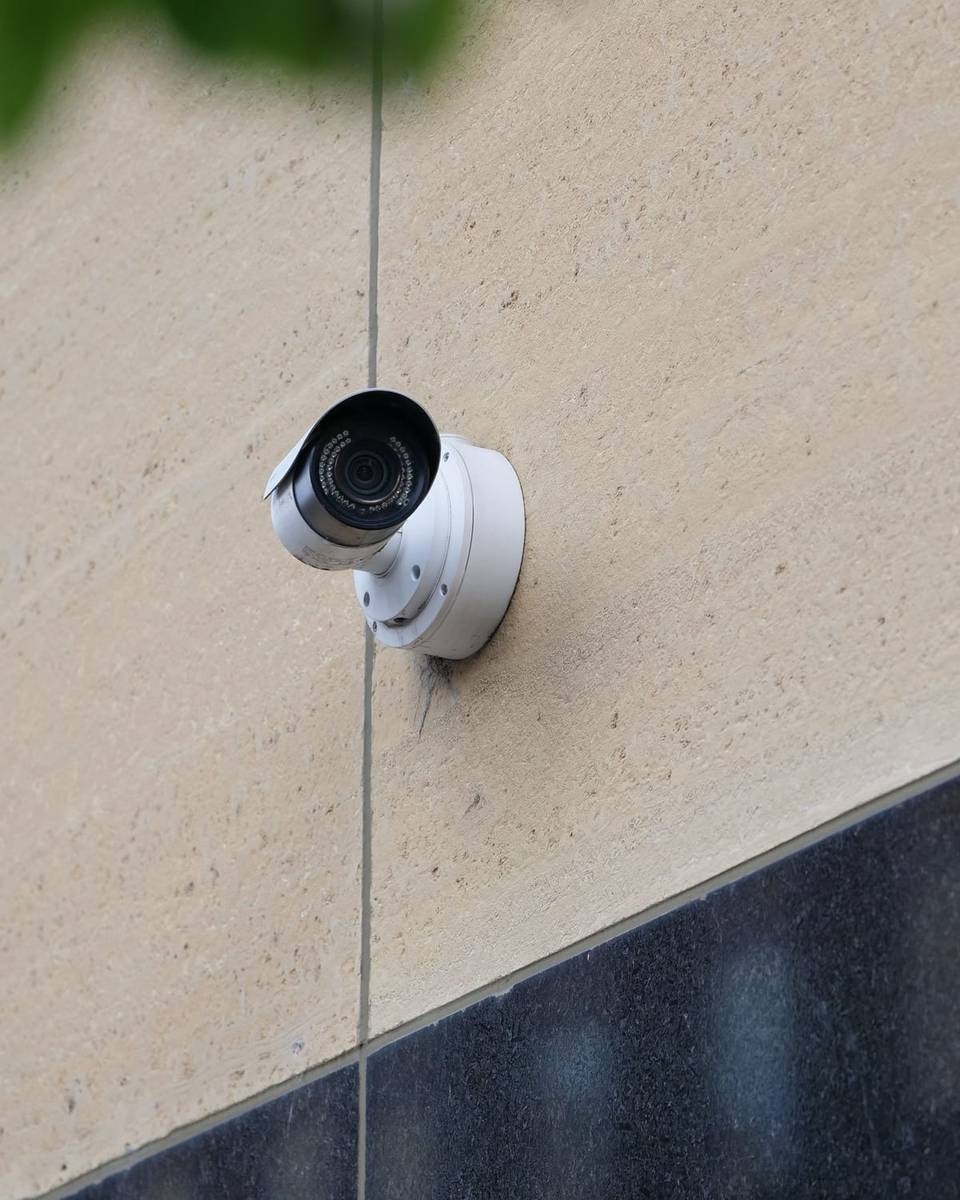
What a home camera installation includes
Most home systems are a handful of outdoor cameras, a recorder or storage, and a phone app. A clear quote usually covers:
Choosing positions with you
The technician walks the main gate, yard door, parking and roof or annex entrance with you, and angles each camera at your property, not the neighbours’.
Outdoor cameras and mounts
Cameras built for heat, dust and rain, mounted high enough to be hard to tamper with, with small hoods to keep direct sun off the lens.
Recording and storage
An NVR inside the house in a safe, ventilated spot, a memory card in each camera for small setups, or a cloud subscription.
Cabling or Wi-Fi
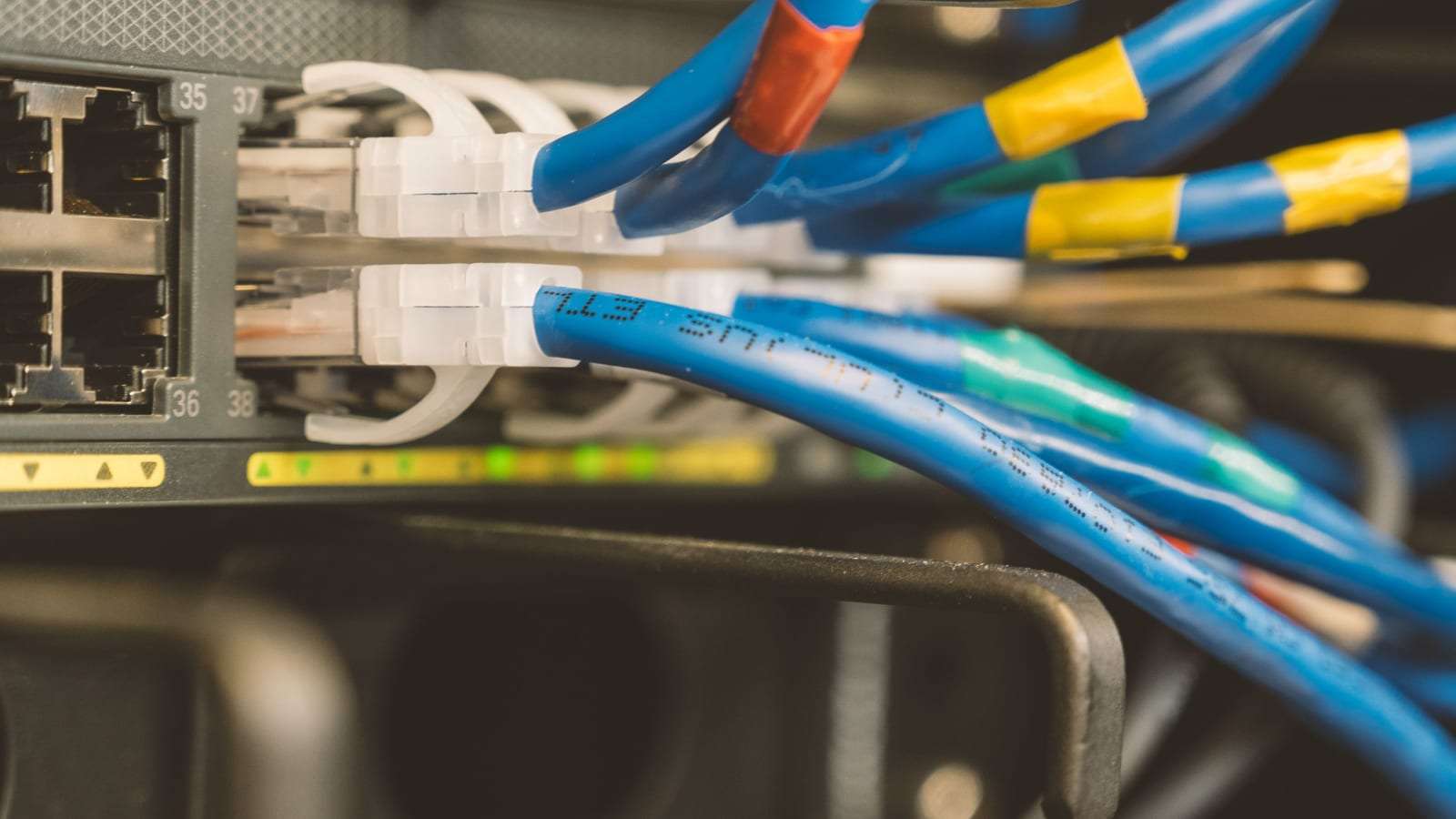
Network cable that also powers the cameras (PoE), or connecting wireless cameras to your home network and checking the signal at each one.
Viewing on your phone
The app on your phone and those of family members you choose, each with their own login, and alerts tuned so a passing cat does not ping you all day.
Wireless or wired? And where do recordings go?
Wi-Fi or wired PoE? Wireless cameras are quicker to fit and suit an apartment or a home where you don’t want new cabling, but they rely on your home network and need a nearby socket. Wired cameras are more reliable for villas and istirahas with long boundary walls, since the signal does not fade through concrete. Choose wireless devices approved for sale in Saudi Arabia; the full comparison is in our IP vs analog guide.
Memory card, NVR or cloud? A card in the camera is fine for one or two cameras, but it goes missing if the camera is taken. An NVR keeps every camera inside the house and stores more days. Cloud gives you an off-site copy for a fee — ask where the data is stored and who can reach it.
Night vision and heat. Night vision is essential for the yard and parking. In hot, dusty areas choose cameras with a suitable outdoor rating and avoid facing them into the midday sun.
Indoor cameras? Keep them to a minimum: an entrance or shared living area, with your family’s knowledge and agreement, and a way to switch them off.
Who home cameras are for
Needs differ by type of home:
- Villas: the main and car gates, the yard, parking, and the annex or roof entrance.
- Apartments: usually one camera at the door or a video doorbell that does not film neighbours’ doors or the shared corridor more than needed, with the building management’s approval.
- Istirahas: often empty for days, so cameras on the gate and parking with phone alerts — sometimes with an alarm system.
- A small shop attached to the house: a commercial activity may have its own requirements — see CCTV for shops and businesses.
What affects the price of home CCTV?
We don’t publish prices; every home is different. These factors separate one quote from another:
- Cameras and plot size
A villa with a long wall and a big yard needs more than an apartment that only needs a doorbell.
- Wired or wireless
Running cable through conduit in a finished villa is more work than Wi-Fi cameras, but more dependable.
- Storage
An NVR and disks, memory cards, or a recurring cloud subscription.
- Image quality and backup power
Higher resolution, colour night vision and a UPS for the recorder and router all add cost.
Ask for quotes with the same cameras in the same places, and compare line by line. More in our security systems cost guide.
How installation works at home
- 1. Request and photos
You send your request; the installer may ask for photos of the front and yard, or book a visit that suits your family.
- 2. Written quote
Cameras and positions, storage, cabling, warranty and timeline.
- 3. Installation
An apartment is usually done in a day; a large villa or istiraha may take longer. Agree times and which rooms technicians will enter beforehand.
- 4. Setup and handover
Testing by day and night, masking areas that are not yours, and handing you every password.
Looking after your cameras
Dust leaves a film on lenses that weakens the night picture, so wipe them now and then. Open the app occasionally and check it is actually recording, not just streaming, and that the disk or card is not full. Update firmware and change the default password on day one. For a large villa or several homes, ask for a maintenance contract.
Privacy: protecting your home without bothering anyone
Point cameras at your own property: the gate, the yard, the parking. Don’t film neighbours’ houses, yards or windows, and don’t cover more street than you need to see who is at your door. Most cameras let you black out parts of the image — ask for it.
Inside, never put cameras in bedrooms or bathrooms, in the domestic worker’s or driver’s room or rest areas, or in the guest majlis or women’s sitting room without people’s knowledge. If you have domestic staff, tell them where the cameras are.
Many cameras record sound by default. Audio may be treated differently from video, so check before enabling it — off is the safer setting. Protect recordings with a strong password, never post clips showing people on social media or group chats, and if one is needed for a report, give it to the competent authority. More in our home cameras and privacy guide.
Questions to ask the installer
- Are you licensed to install surveillance systems?
Ask for the licence and commercial registration — our guide to choosing a licensed installer lists what to check.
- What exactly will each camera see?
Ask to see each view before the camera is fixed, so you know it does not look into a neighbour’s home.
- How many days will it record?
Ask about disk or card size for your cameras and resolution.
- Who holds the passwords?
You do, with no installer access after handover unless you allow it.
Home CCTV: common questions
How many cameras does a villa need?
It depends on the gates, the yard and the parking. A typical villa often needs only a few; large villas and istirahas need more. The installer sets the number after a visit.
Can I watch my home cameras on my phone while travelling?
Yes, as long as the house has internet. Ask for a login per family member instead of one shared password.
I rent an apartment and can’t drill. What are my options?
A small Wi-Fi camera or a video doorbell needs no cabling. Get the landlord’s and building management’s approval for shared areas, and don’t film neighbours’ doors.
Can I put a camera inside the house?
Usually yes in entrances and shared living areas, with your family’s knowledge. Never in bedrooms, bathrooms or the domestic worker’s quarters.
Do the cameras work if the internet or power goes off?
Without internet they keep recording locally, but you can’t view remotely. Without power everything stops unless a backup supply is fitted.
Can cameras work with a smart lock or alarm?
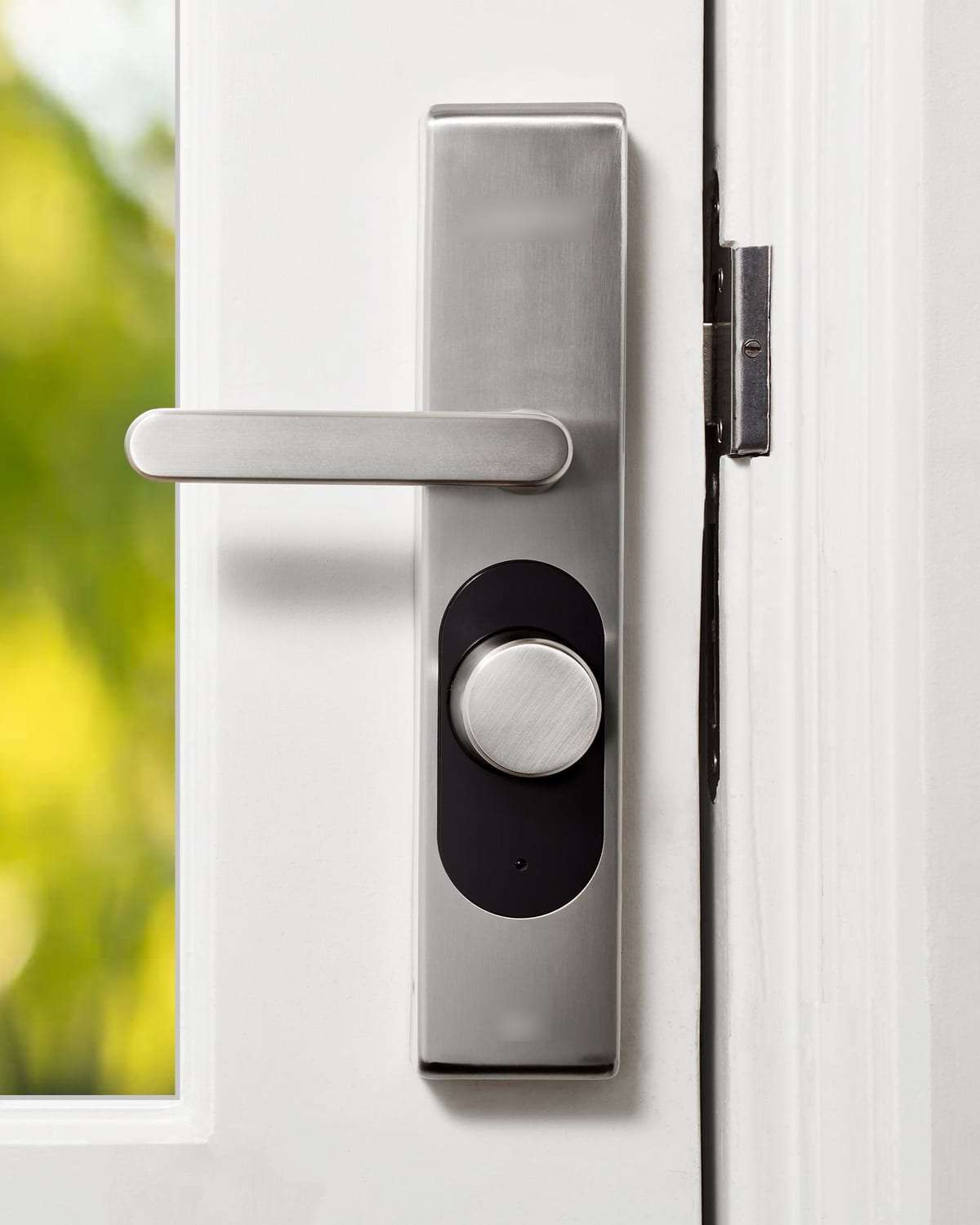
Many systems integrate, sending a clip when the door opens or the alarm triggers. Mention it if you are considering a smart lock.
Do you install cameras yourselves?
No. SaudiSecurity only compares offers: with your consent we pass your request to licensed installers, and the agreement and warranty are between you and the one you choose.
Related services
Helpful guides
Want cameras for your home?
One request with your type of home, city and the areas to cover brings quotes from licensed installers. Free, no obligation.