For offices and companies
Access control and cameras for offices
In an office the key question is usually not “what happened?” but “who came in, and when?”. That is why most office owners start with access control and attendance, then add cameras for the entrances, reception and places that hold important equipment or files.
Whether it is a small office with a few staff or a company headquarters over several floors, send one request and get quotes from licensed installers of access control and cameras.
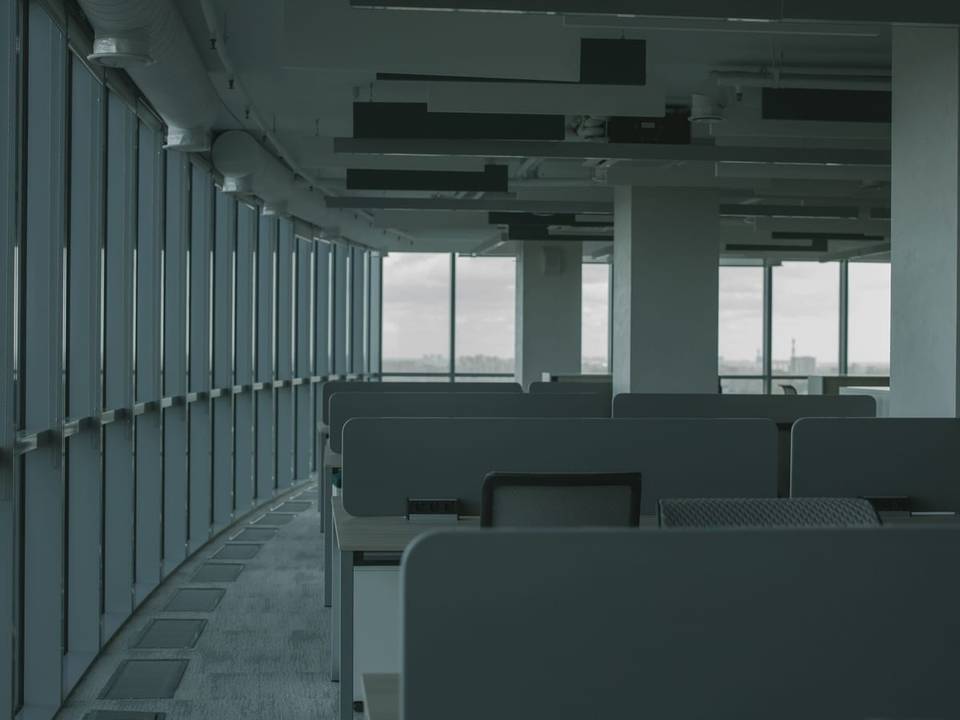
What an office usually needs
- Accurate attendance by fingerprint, card or face recognition, with reports HR can export easily.
- Access control setting who can enter after hours and who can enter the server room, archive or management offices.
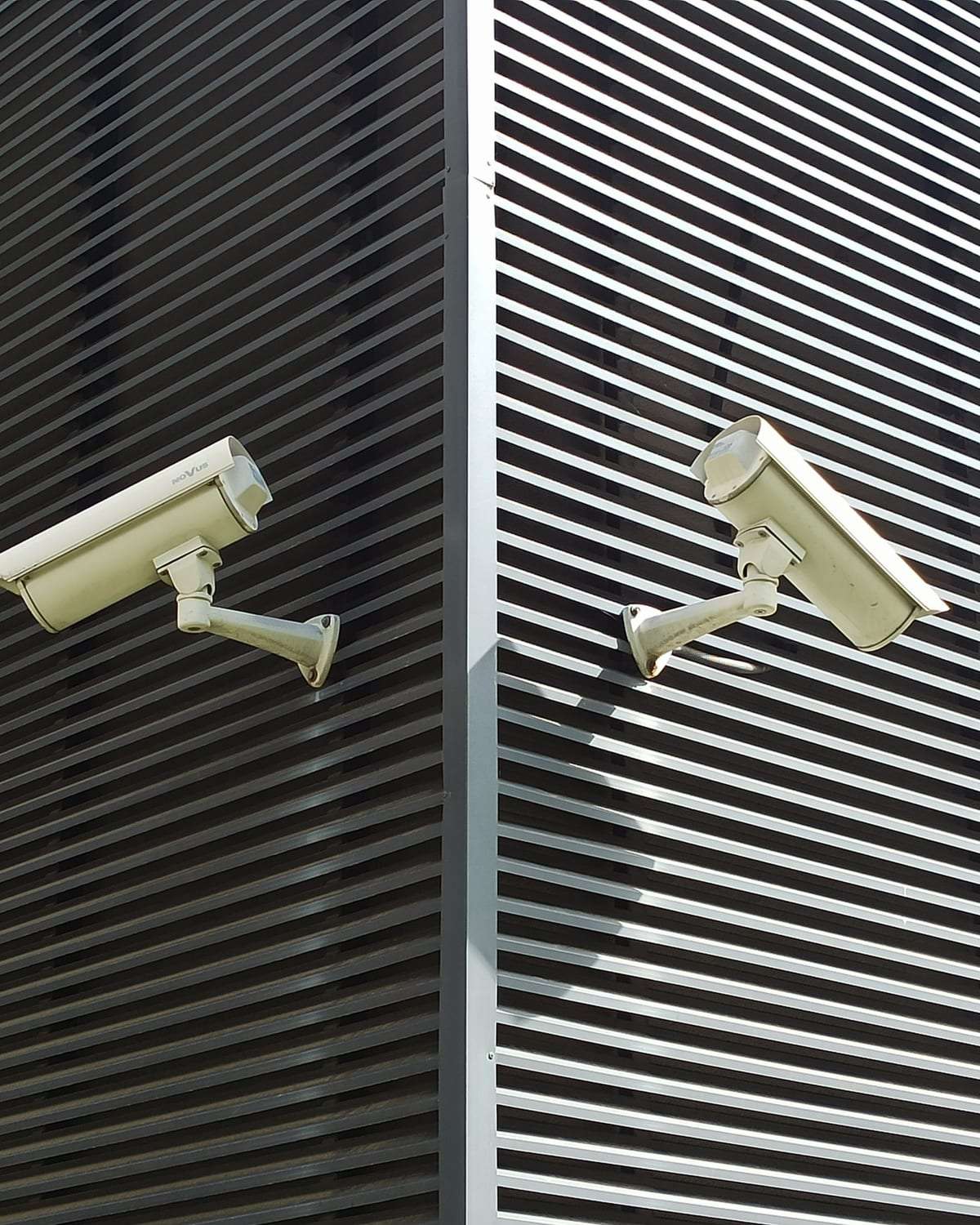
- Cameras at entrances and reception to know who visits and when people come and go.
- An intercom at the office door or floor entrance so reception can see the visitor and let them in.
- Central management for companies with branches: permissions and reports for every branch in one place.
Where cameras go in an office
Main entrance and reception
One camera facing the door and one covering the reception desk and waiting area.
Corridors and lifts
Shared corridors, emergency exits and the lift lobby on each floor.
Server room and archive
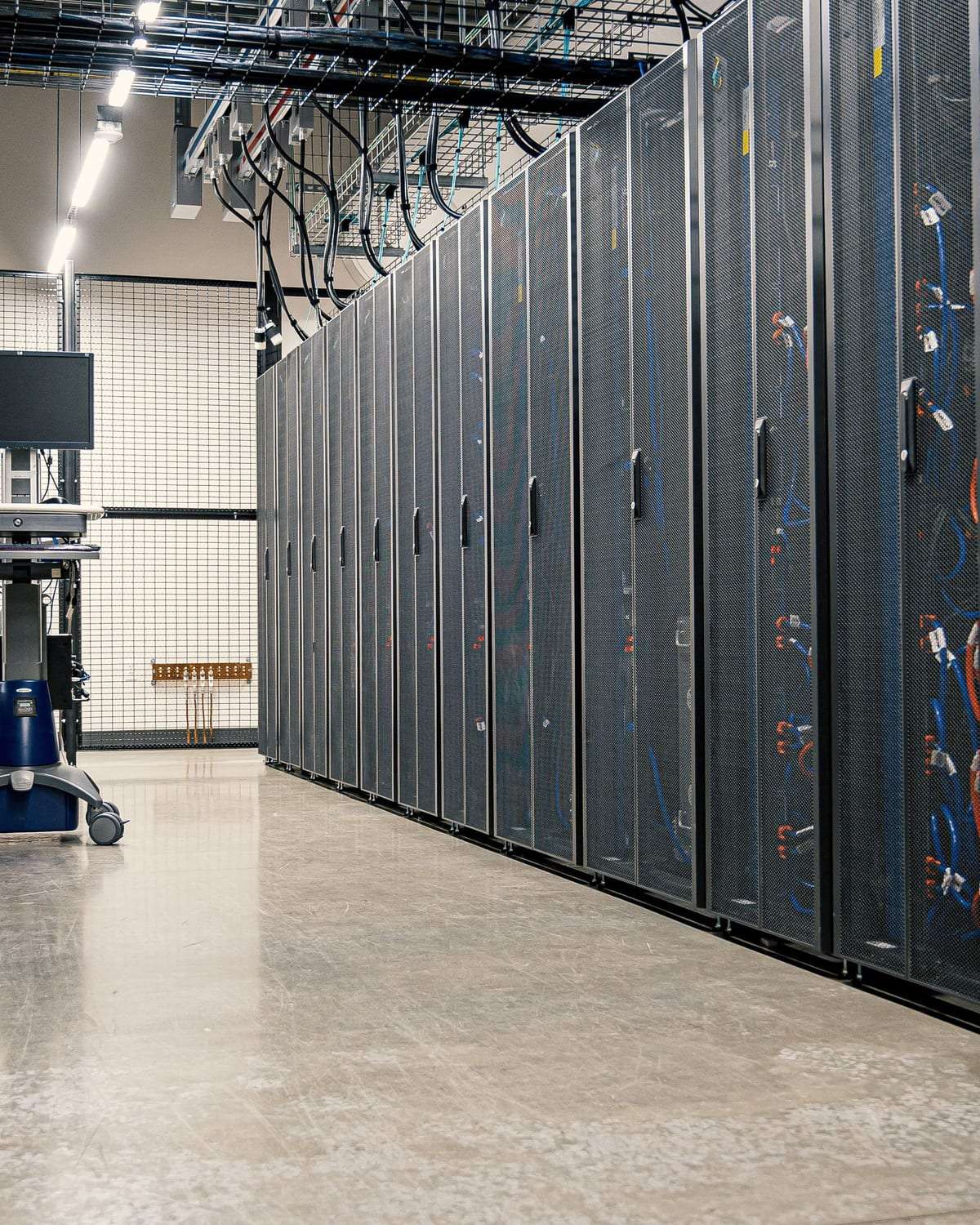
A camera at the door, with an access reader recording who opened it.
Parking
A camera for parking and the building entrance if they belong to the company.
Where not to put cameras: toilets, changing rooms, staff prayer rooms and rest rooms. It is also better not to aim a camera at one person’s desk or screen all day — the aim is to protect the premises, not to follow individuals. In shared buildings, don’t cover neighbouring companies’ offices.
Fire safety in offices
Offices need safety measures suited to their size and headcount: extinguishers, clear exits and signs, emergency lighting and often a fire alarm system, especially in large or multi-storey premises. In shared buildings the fire system is usually the building management’s responsibility, and you should check your office is covered. Requirements are tied to licensing through the official Civil Defense platforms.
One important point: electronic access doors must release automatically on a fire alarm or power cut so they never block an evacuation. Ask for the access system to be linked to the fire system, coordinated with fire-safety contractors accredited with Civil Defense.
Access control and attendance
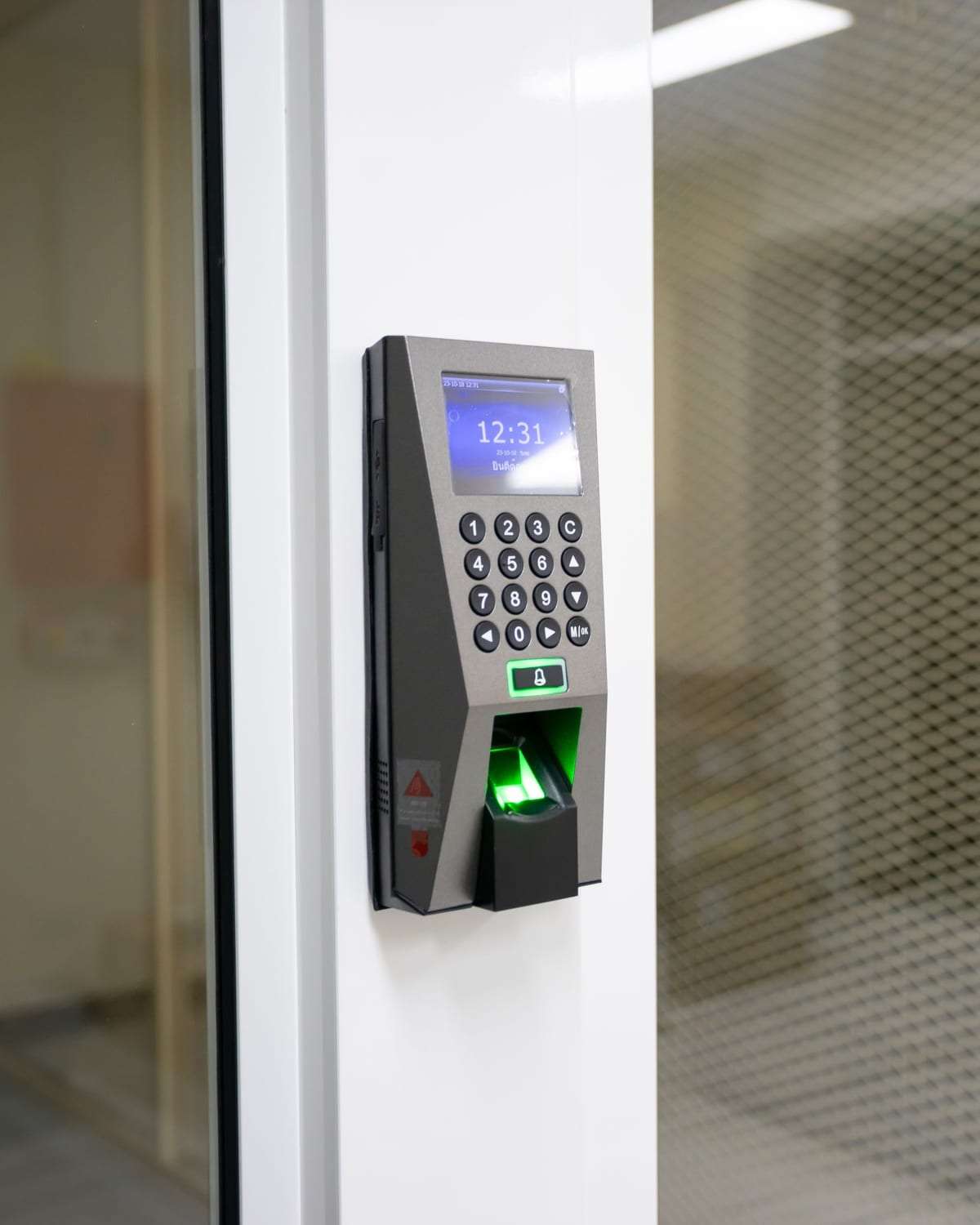
This is the heart of an office system. An attendance terminal at the entrance records each employee’s time, and electronic locks on internal doors set who can go where. Common options are fingerprint, card, face recognition and PIN, or a combination.
Before choosing, ask about linking the terminal to payroll or HR software, managing branches from one place, and what happens when the internet is down. More in our guide to access control and attendance for offices.
Compliance notes for offices
The surveillance camera law and its implementing regulations set which premises must have cameras, and may not cover every office — but the general rules on privacy and recordings apply to any system you install. See surveillance camera compliance.
Fingerprint and face data are sensitive personal data. Tell staff about the system and its purpose, limit access to the data, and ask where it is stored, especially if a cloud service is used.
What to include in your quote request
- Approximate headcount, and the number of floors and branches.
- An office plan or photos showing the entrances and internal doors that need control.
- Preferred verification (fingerprint, card, face) and whether you need an HR software link.
- Working hours, and whether installation can happen at the weekend.
- Whether the building is shared and who is responsible for cabling and the fire system.
- Rough camera count and retention, and whether you want a maintenance contract.
For what drives the cost, see our security systems cost guide.
Office systems: common questions
Fingerprint or card — which is better for attendance?
Fingerprint stops one employee clocking in for another; cards are quicker and easier for visitors and temporary staff. Many offices combine the two.
Can I put cameras over staff desks?
It is better to focus on entrances, corridors and sensitive rooms rather than on individuals, and to tell staff that cameras are in use.
What happens to electronic doors in a power cut?
The system should be designed so exit doors release automatically in an emergency, with backup batteries for the devices. Ask for this to be spelled out in the quote.
My office is in a shared building — do I need approval?
You usually need to coordinate with building management, especially for cabling and any camera in a shared corridor.
Helpful guides
By business type
Available in these cities
Want access control and cameras for your office?
One request with your headcount and city brings quotes from licensed installers. Free, no obligation.