How each type works
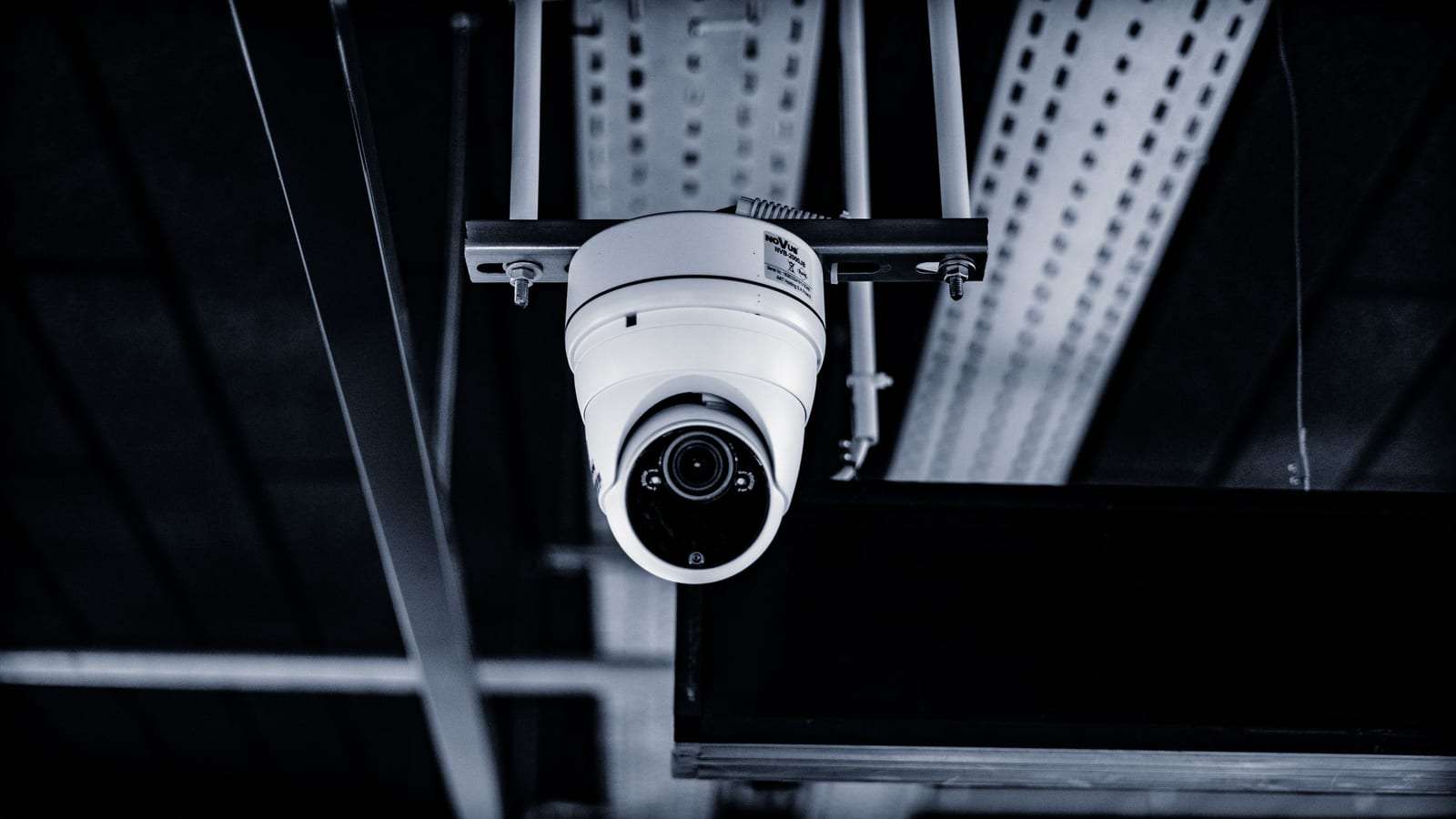
An analog camera sends its video signal over coax cable to a DVR, and the recorder turns it into a digital image and stores it. Modern versions, known as “HD over coax”, are far sharper than the grainy analog cameras people remember, but they remain limited compared with network cameras at high resolutions and in smart features.
An IP (network) camera has a small processor that digitises the image inside the camera and sends it over a network cable to an NVR, a server or the cloud. Each camera is a device on the network with its own address, settings and firmware. That is where its flexibility comes from — and why it needs network security, as we explain below.
Cabling: Cat6 network cable or coax?
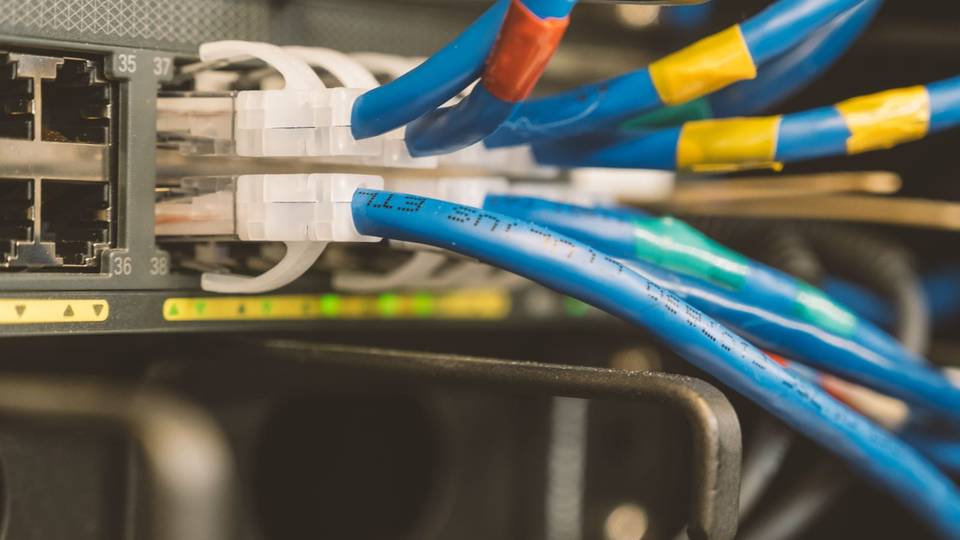
An IP system runs a network cable, usually Cat6, from each camera to a switch. The big advantage is PoE: the switch powers the camera over the same cable, so you don’t need a power point by every camera, and one backup power supply at the switch and recorder keeps everything running. That simplifies work in suspended ceilings and on outside walls.
The practical limit for a network cable between switch and camera is around 100 metres. In a large warehouse or along a long istiraha wall, the installer adds a switch midway or runs fibre between buildings. Coax handles longer runs without extra equipment, but analog cameras need separate power, either through a combined cable (coax plus power wire) or a local power supply.
When comparing quotes, ask about cable type and quality, not just the cameras. Cheap copper-clad aluminium cable can cause intermittent power and picture drop-outs that are hard to trace once it is inside a wall. Running cables in conduit protects them from heat and rodents and makes replacement easier.
Resolution, image quality and smart features
Network cameras reach higher resolutions and keep more detail when you zoom into a recording, which matters at entrances, cash points and for number plates. They often include on-camera analytics such as alerts for line crossing or entering a zone, telling people from vehicles, and searching recordings by event instead of watching hours of footage. These features cut false alarms from shadows, cats and moving trees.
Modern analog cameras give a good enough picture for many everyday uses, such as watching a small shop floor or an apartment entrance, and some DVRs add basic analytics. But if you need to identify faces at a distance, or cover large areas with few cameras, IP is the closer fit.
Higher resolution means more storage for the same retention period. Modern video compression softens this, but the installer should calculate disk capacity from the real resolution and camera count and put it in the quote. See our guide to recording retention.
Upgrading later and hybrid recorders
Many shops and residential buildings have an old analog system with sound coax. Do you rip it all out? Not necessarily. Hybrid recorders accept analog and IP cameras in the same unit, so you can keep working analog cameras in corridors and add IP cameras at the entrance and till where you need detail, then replace the rest in stages.
For a full move to IP without breaking walls, there are adapters that carry network signals over existing coax. They work in limited places but add devices and points of failure, so we don’t rely on them in new projects. In a new build or full refurbishment, Cat6 is the natural choice, even if you only fit a few cameras now.
Expansion is where IP shines: a new camera usually means a network point, a switch port and a free recorder channel. Ask the installer to leave spare capacity if you plan a new branch or section — and see how many cameras a shop or restaurant needs.
When analog still makes sense
Analog is not wrong in every case. It makes sense if you have sound coax hidden in the walls and want a better picture without breaking and refinishing, if the system is small and simple — an istiraha or a small store where seeing general movement is enough — or if a few cameras sit at long distances where network cabling is awkward.
We lean towards IP for new projects, for premises that need clear detail at entrances and cash points, for multi-branch systems managed from one place, and where specific technical requirements may apply to the activity. If your premises fall under the surveillance camera requirements, first make sure the proposed system, whatever its type, meets what your activity needs — see surveillance camera compliance.
Cyber security: protect your system after installation
Any recorder connected to the internet, IP or analog, needs protecting, and with IP every camera is a network device. Most problems we hear about come not from sophisticated attacks but from simple mistakes that can be avoided from handover day.
Change the default passwords on the recorder and cameras straight away and use long, unique ones. Create an account for each user with suitable rights instead of one shared login, and remove or disable the installer’s account after handover unless you have a clear maintenance contract. Update recorder and camera firmware regularly from the manufacturer’s official sources.
Keep the camera network separate from guest Wi-Fi and till equipment, with a dedicated switch or a separate virtual network set up by the installer. Don’t open recorder ports directly to the internet for phone viewing; use the official app or a secure connection the installer recommends, and ask where data passes and is stored if a cloud service is involved. These tasks often belong in a maintenance contract, so ask about them.
How to decide when comparing quotes
Before you sign, make sure each quote is clear on these points — they separate a system that serves you for years from one you replace after two:
- Camera type (IP, analog or hybrid), plus each camera’s resolution, lens and position.
- Cable type, how it is run, and how the cameras are powered.
- Recorder capacity, free channels and expected retention.
- Remote viewing method, network separation, and passwords handed to you.
- The company’s licence and commercial registration, and the warranty on equipment and work.
More checks are in our guide to choosing a licensed installer.
FAQ
Can I connect an IP camera to my old analog DVR?
Only if it is a hybrid recorder that supports network cameras. Pure analog recorders don’t, so you choose between a hybrid unit and a new NVR.
Do IP cameras need internet to record?
No. They record to an NVR on the local network even when the internet is down. Internet is only needed for phone viewing or cloud backup.
Which is better for a villa: IP or analog?
For a new villa or one being finished, we recommend Cat6 and IP cameras. In an older villa with sound coax, HD over coax or a hybrid recorder may be enough. More on our home CCTV page.
Are Wi-Fi cameras a third type?
They are IP cameras that connect wirelessly and suit light home use. For shops and businesses we prefer cable, because it is more reliable and a wireless camera still needs power.
Do you sell cameras?
No. We compare offers and, with your consent, pass your request to licensed installers. See our business CCTV page.
This guide is general information, not legal advice. Rules and requirements can change — always confirm with the competent official bodies and a licensed installer before deciding.