For businesses
CCTV installation for shops and businesses
A camera system for a business is more than cameras on a wall. It is a design that decides where each camera goes, how many days recordings are kept, who can view them, and how the system keeps running through summer heat and power cuts.
Send one request with your type of business, your city and a rough camera count, and licensed installers serving your area send you quotes you can compare on a clearly defined scope.
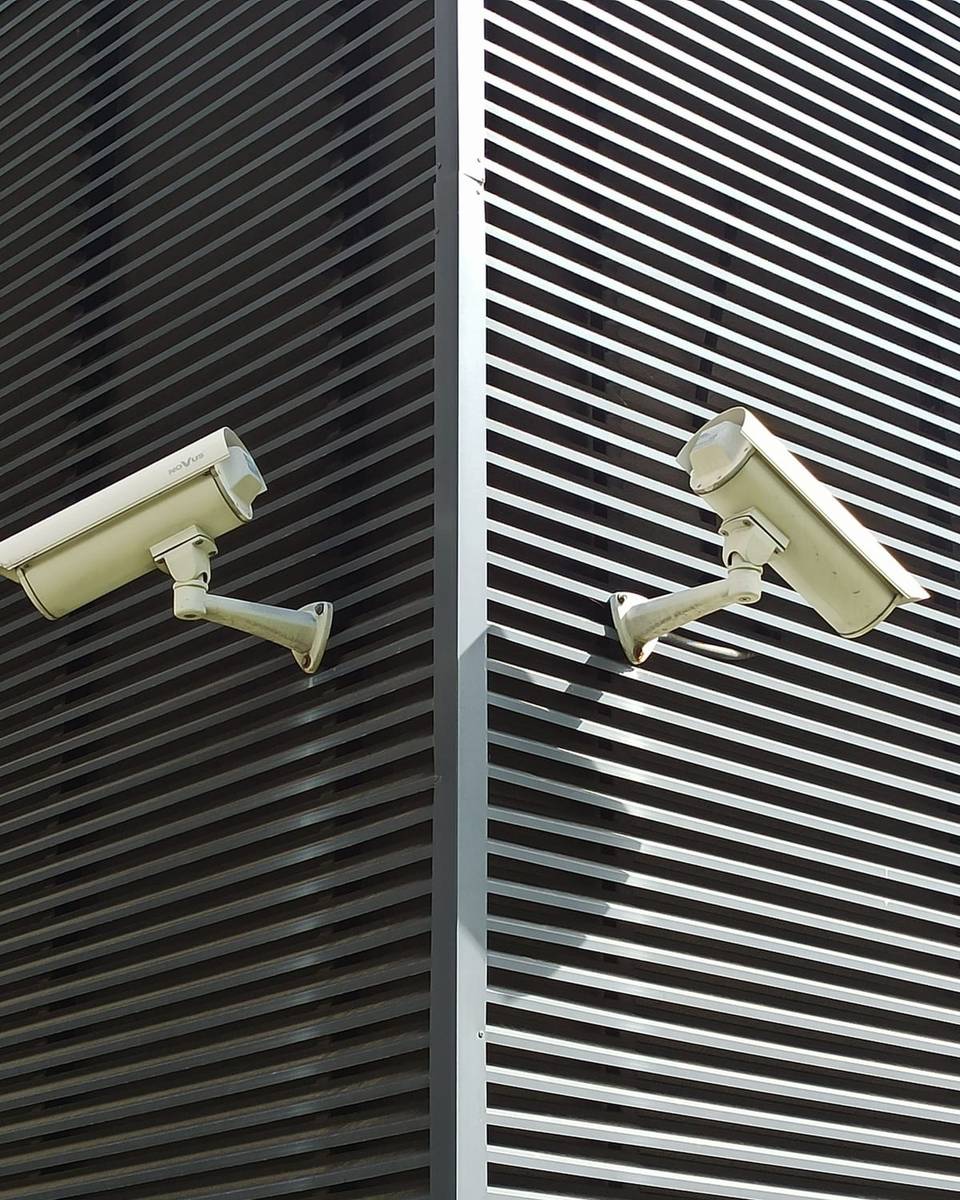
What a CCTV installation includes
A good quote describes every part of the system, not just the number of cameras. In most commercial projects the installation covers:
Site visit and layout design
The technician walks the premises and decides the coverage: entrances and exits, cash points, the stockroom, parking and corridors — then proposes the number and type of cameras.
Cameras and mounts
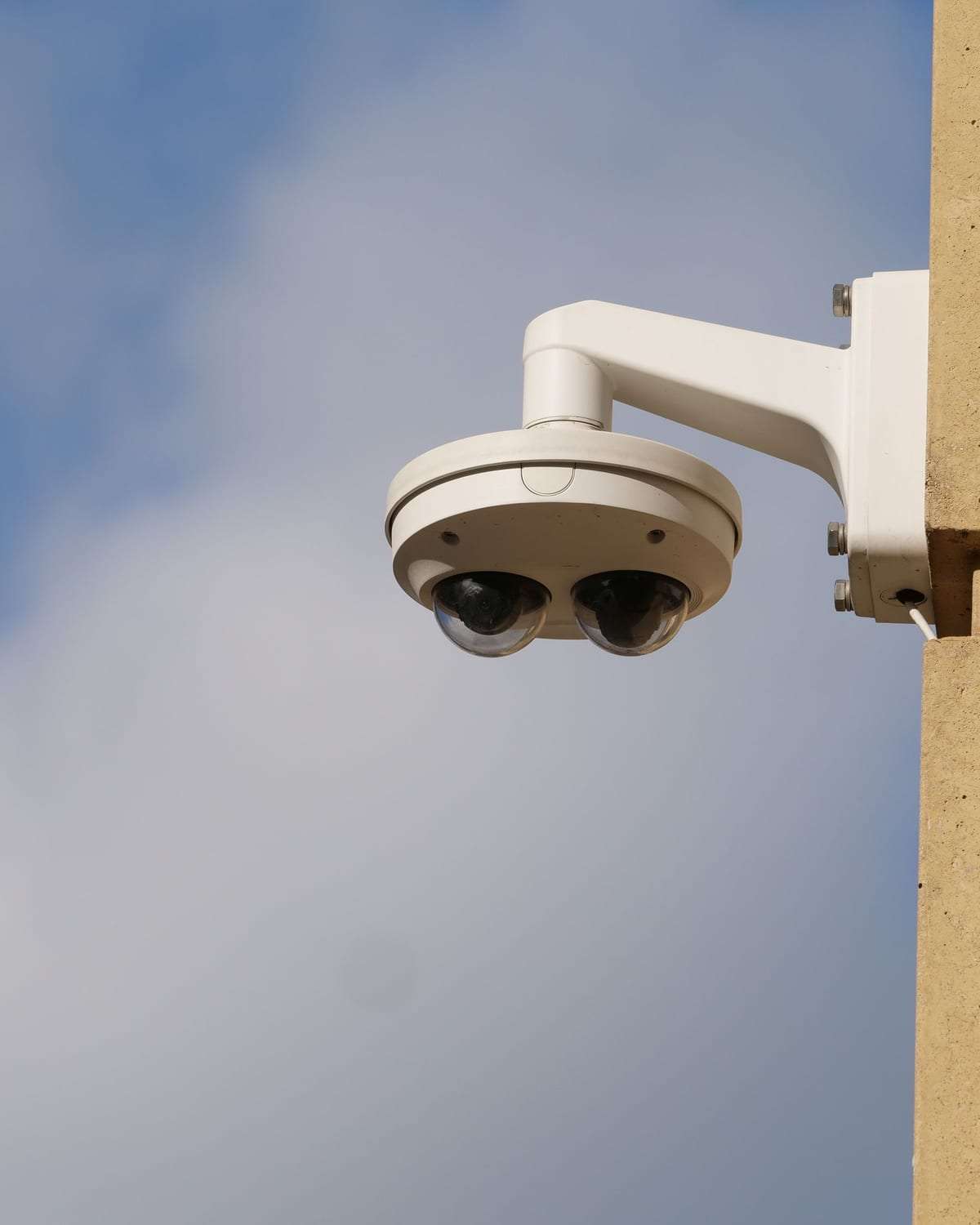
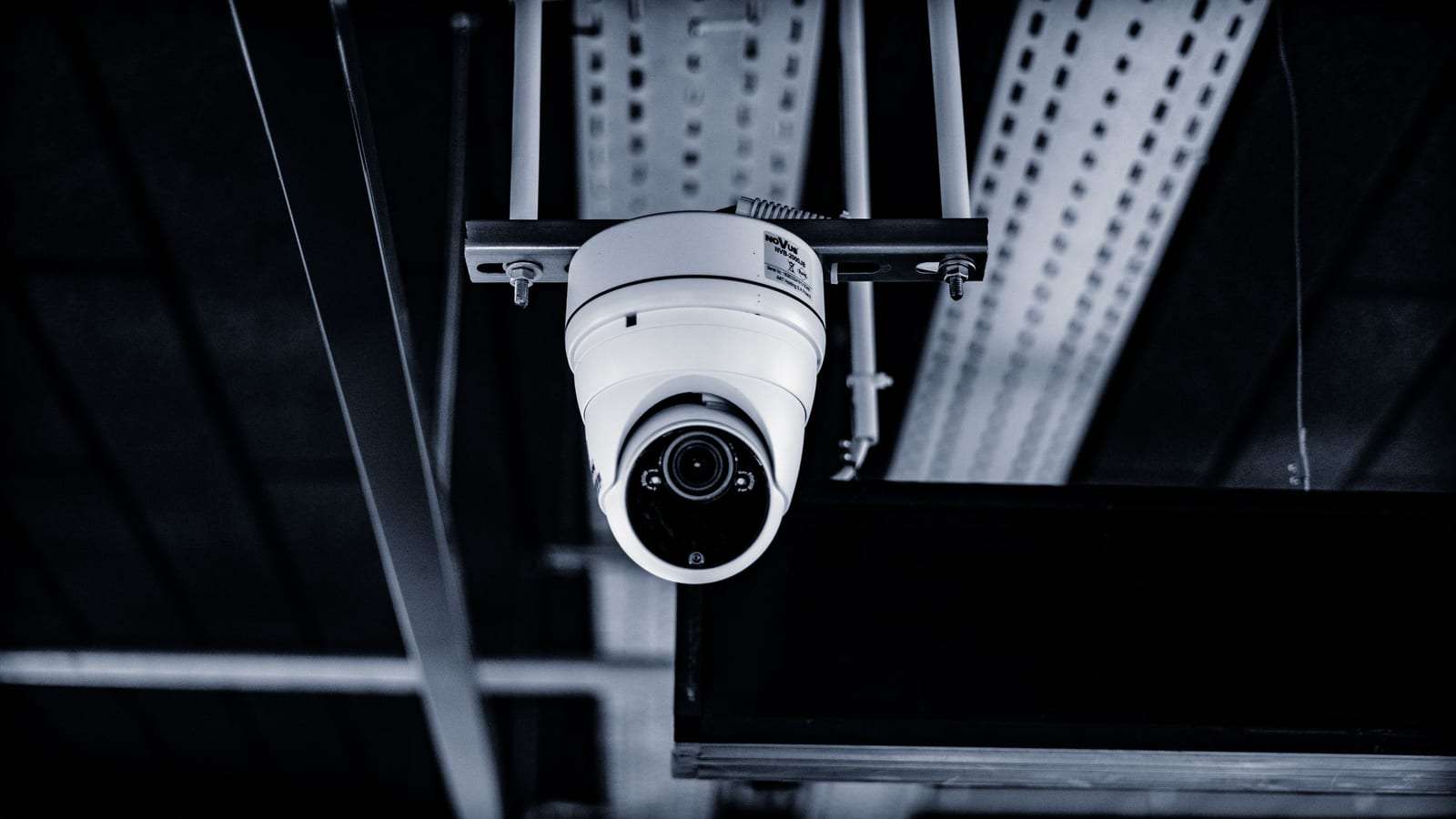
Indoor and outdoor cameras suited to the lighting and distance, with brackets and housings for cameras exposed to sun and dust.
Recorder and storage
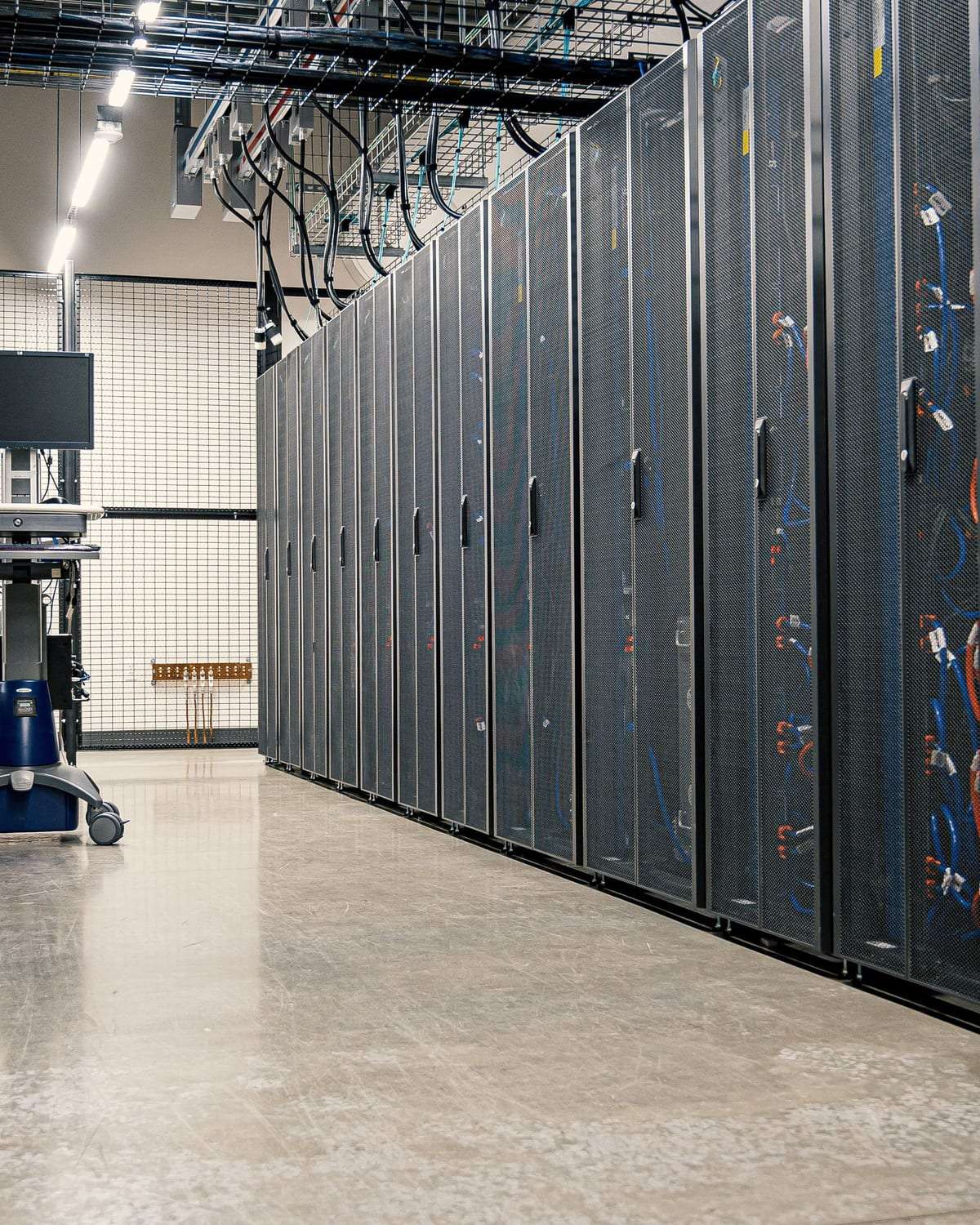
A network video recorder (NVR — or a DVR for analog systems) with enough disk space for the retention you need, usually in a tidy network cabinet.
Cabling and network
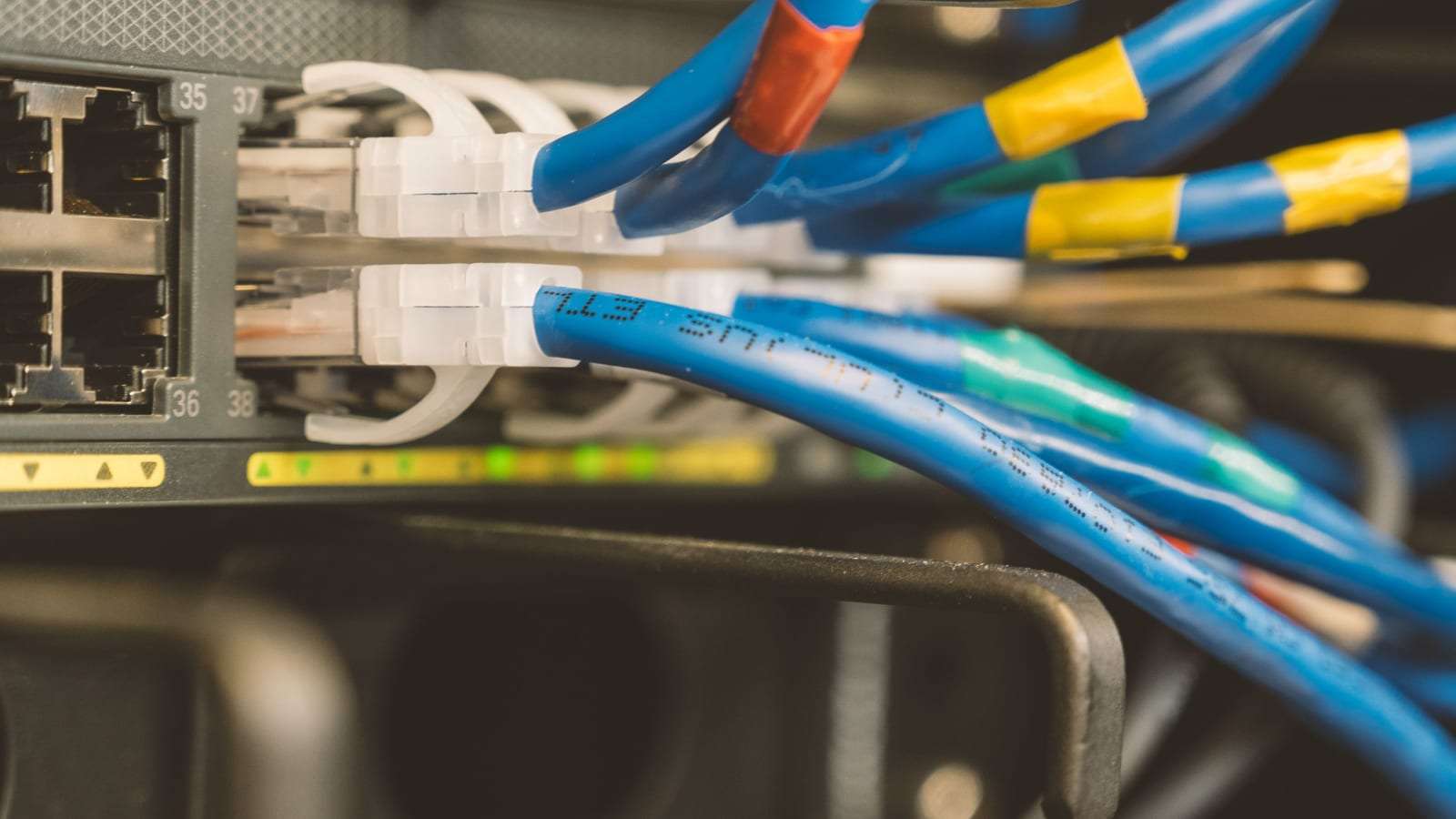
Network or coax cable, a switch that powers cameras over the same cable (PoE), and trunking or conduit that protects the cables and keeps things neat.
Remote viewing
An app on your phone or the manager’s phone for live view and playback, with separate accounts and permissions for each user.
Handover and training
Testing every camera by day and night, handing all passwords to you, and showing you how to find and export a recording.
Your options: choosing the right specification
IP or analog? Network (IP) cameras are the usual choice for new projects: sharper images, simpler cabling over one network cable and easy expansion later. Analog HD over coax can make sense if you have working older cabling and want a lower-cost upgrade. Ask the installer what fits your site, and read the full comparison in our IP vs analog guide.
Resolution and lens. Higher resolution helps at entrances and cash points where you need detail, but it uses more storage. Often the right lens for the distance matters more than the resolution figure.
Indoor or outdoor, and night vision. Outdoor cameras need protection from heat, dust and rain and a suitable ingress rating. Infrared night vision is essential for parking and warehouses; some cameras give a colour image in low light.
Storage: on-site recorder or cloud? An on-site recorder is the backbone for most businesses; cloud storage adds an off-site copy for a subscription. What matters is that the disks cover the retention your activity needs, and that you know where recordings are stored and who can reach them.
Who this service is for
Any premises with customers, stock or staff benefits from a well-designed system, including:
- Shops and showrooms: the entrance, the till, the aisles and the stockroom.
- Restaurants and cafés: the dining area, entrance, till and delivery area — while keeping private areas camera-free.
- Warehouses: gates, loading areas, aisles between racks and the perimeter.
- Clinics and pharmacies and offices: reception, entrances, corridors and server rooms.
- Premises that the surveillance camera law requires to install cameras — see surveillance camera compliance.
What affects the price of a CCTV installation?
We don’t publish prices because they vary a lot from site to site. These are the factors that make two quotes differ:
- Number and type of cameras
Outdoor, PTZ and long-range cameras cost more than fixed indoor ones.
- Retention and storage size
More days of recording, higher resolution and more cameras all need more disk capacity.
- Cable runs and the building
Suspended ceilings make cabling easier; concrete walls, long distances and open sites take more work.
- Finish
Concealed cabling in conduit takes longer than surface-mounted runs.
- Regulatory requirements
If your activity must meet specific requirements or a retention period, the quote must cover them in full.
- Maintenance after installation
Some quotes include a year of maintenance or a service contract; others cover installation only.
The best way to compare: request quotes for the same written scope, then compare line by line — not just the total. More in our security systems cost guide.
Installation steps and timing
- 1. Request and survey
You send your request, and installers contact you to arrange a site visit or ask for photos and a floor plan.
- 2. Written quote
You receive a quote listing camera numbers, positions and types, storage capacity, cabling, warranty and timeline.
- 3. Installation
A small shop may take a day or two; a large warehouse or a multi-storey building takes longer depending on the cabling. Schedule it outside peak hours if you can.
- 4. Testing and handover
Checking the picture by day and night, setting retention, enabling phone viewing and handing you the passwords and a camera layout.
Maintenance after installation
Dust on lenses, summer heat inside the equipment cabinet and disks that fill up or fail silently are common reasons for missing footage that is only discovered when it is needed. Schedule regular checks of every camera and of the recording itself, keep firmware updated and change default passwords.
With several branches or a large system, consider a maintenance contract that sets a response time for faults and the number of visits per year.
Privacy and the legal side
Saudi Arabia has a dedicated law on the use of security surveillance cameras and implementing regulations that set which premises must install cameras, where filming is prohibited, how long recordings are kept and who may access them. Follow what applies to your activity, and confirm it with the competent authority and a licensed installer.
As a general rule: no cameras in toilets, changing rooms or any place of a private nature, and no cameras aimed at neighbours’ property. Protect recordings with strong passwords and limited access, and never publish footage showing people.
Questions to ask the installer before you sign
- Is the company licensed to install surveillance systems?
Ask for the licence number and a commercial registration with the right activity, especially if your premises must meet the requirements.
- What warranty covers equipment and installation?
Ask about the warranty period, who pays for replacements and how long a repair takes.
- How many days will recordings be kept?
Have the disk capacity and expected retention written into the quote for the agreed cameras and resolution.
- Who can access the recordings?
Make sure passwords and accounts are handed to you and the installer keeps no permanent access without your knowledge.
- What happens after handover?
Is there technical support, maintenance visits, updates — and what does a visit cost outside the warranty?

Business CCTV: common questions
How many cameras does a shop need?
It depends on the size, the number of entrances and the layout. A small shop may only need a few covering the entrance, till and stockroom; large showrooms need more. The technician sets the number after the survey — see how many cameras you need.
Can I watch the cameras on my phone?
Yes. Most modern systems support live view and playback in a phone app, as long as the site has internet. Ask for separate accounts for each person instead of one shared password.
Do you sell or install cameras yourselves?
No. SaudiSecurity only compares offers: with your consent we pass your request to licensed installers, and the agreement and warranty are between you and the installer you choose.
How long does installation take?
A small shop usually takes a day or two; larger projects take longer depending on cabling and floors. Ask for the timeline in writing.
Do cameras keep recording during a power cut?
Only if a backup power supply (UPS) is fitted for the recorder and switch. Ask for it in the quote, especially if continuous recording matters for your activity.
Do I need a sign saying cameras are in use?
Some premises may be required to inform visitors about cameras, and it is good practice anyway. Check the requirements that apply to your activity.
Ready to compare CCTV quotes for your business?
One request with your type of business and city brings quotes from licensed installers. Free, no obligation.