For offices and premises
Access control and attendance systems
Who goes into the warehouse? When did a member of staff arrive and how many hours did they work? Who opened the server room yesterday? An access control system answers these questions with a clear log, and replaces copied keys and paper registers.
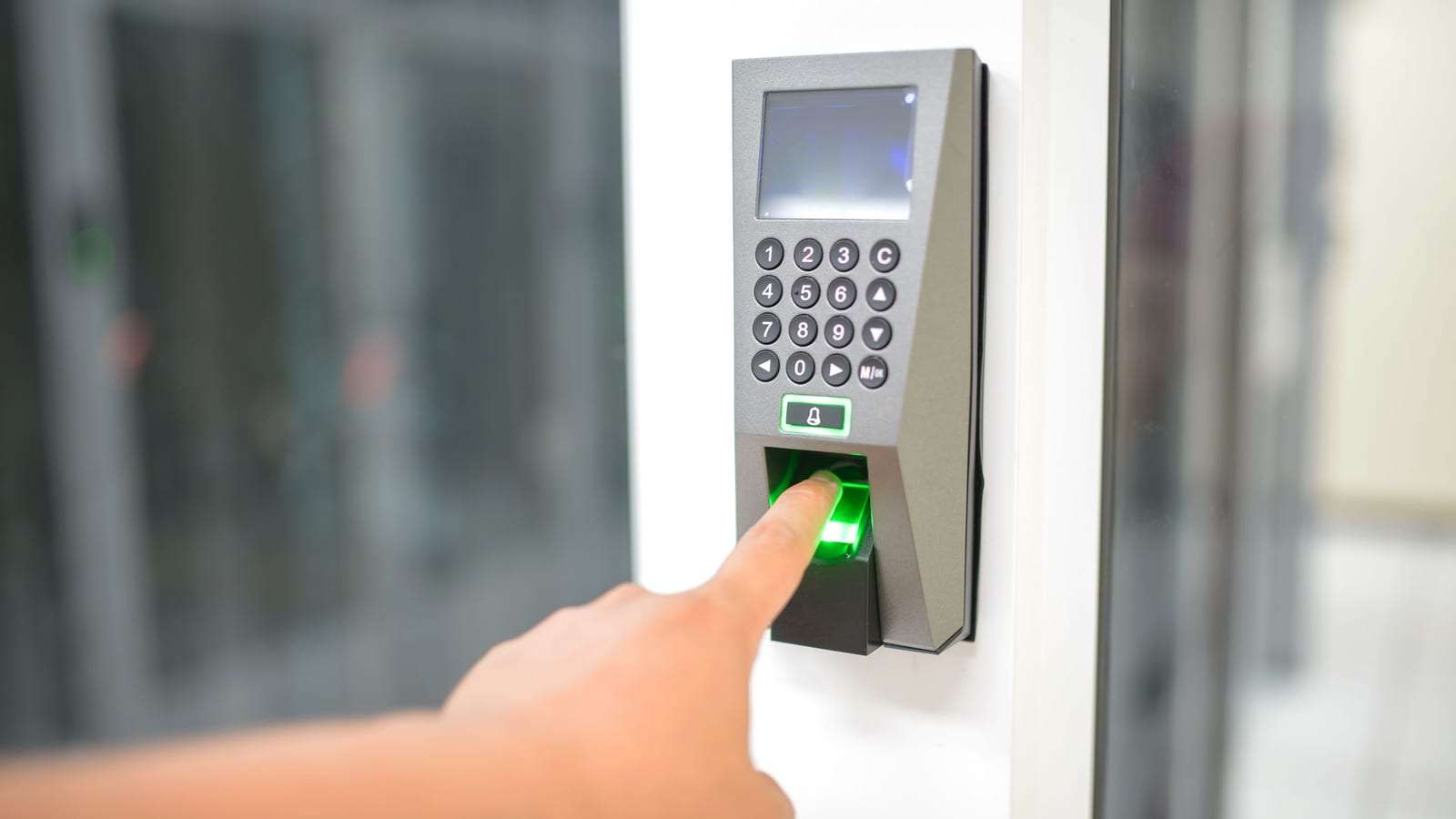
It can be a single fingerprint terminal at the entrance for attendance, or a full system with electric locks, cards and permissions for each door. Send one request with the number of doors and staff, and licensed installers serving your city send you quotes.
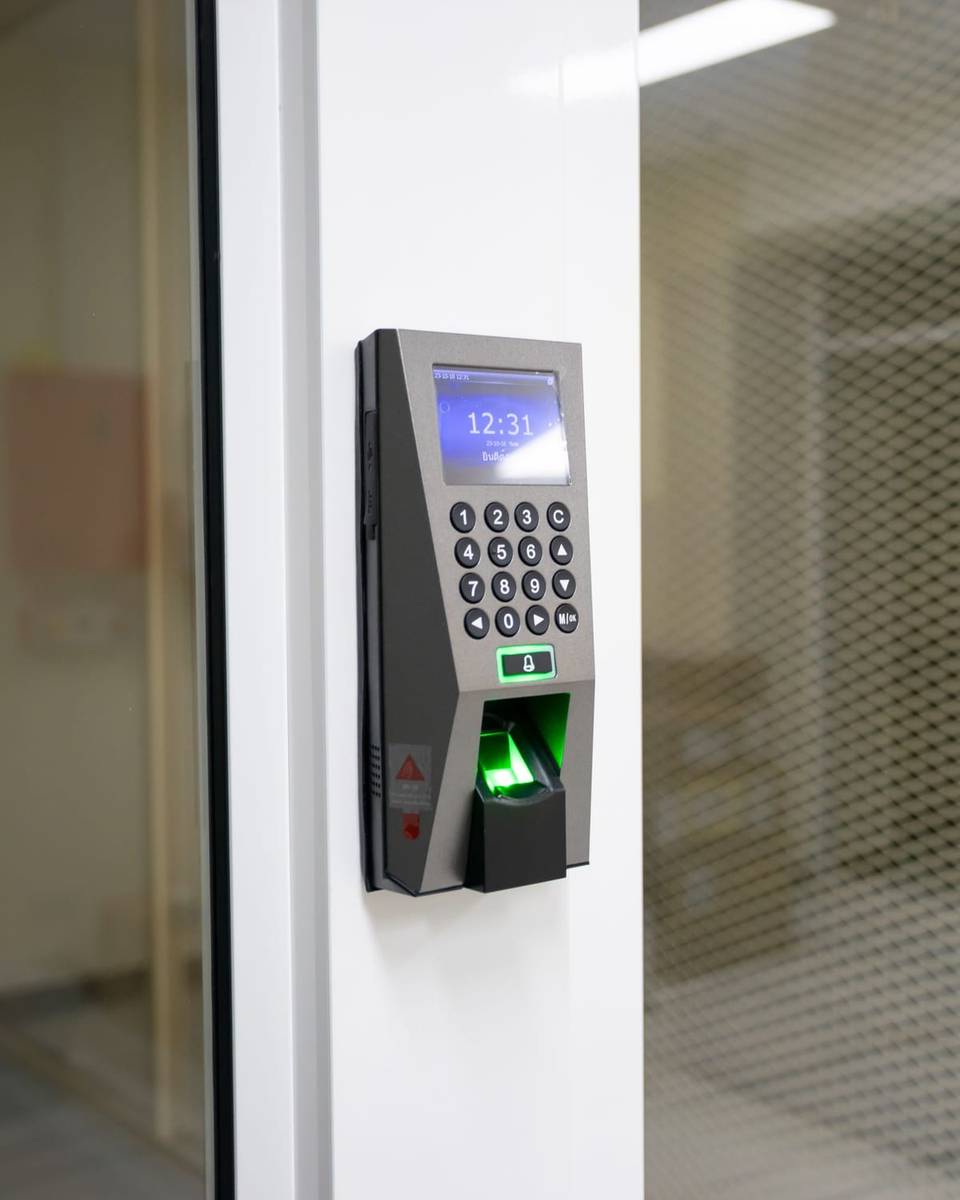
What an access control system includes
The components depend on the goal: attendance only, door control, or both. A full system usually includes:
Readers
A fingerprint terminal, card reader, PIN keypad or face recognition unit at the entrance or at each controlled door.
Electric locks
Magnetic locks or electric strikes to suit the door — glass, wood or steel — with a power supply and backup.
Exit button and emergency release
A button to open the door from inside, and a release for emergencies or power cuts so nobody is trapped.
Controller and software
A unit linking the devices to software where permissions and schedules are managed, on a computer on site or a cloud service.
Set-up and training
Enrolling staff or issuing cards, setting shifts and permissions, and training the administrator to add and remove users and run reports.
Options: fingerprint, card or face?
Fingerprint
The most common choice for attendance because it can’t be forgotten or lent. Dirty or dry hands in some jobs can affect it, so ask about reader quality.
Card or tag
Fast and suited to many doors and staff, and easy to cancel if lost. The downside is that it can be lent to someone else.
PIN code
Simple and low-cost, good for internal doors or as a second factor with a card. Change it regularly because it spreads easily.
Face recognition
Touch-free and quick at busy entrances. It is sensitive biometric data, so only enable it for a clear reason and once you know what the law requires to protect that data.
Turnstiles and barriers
For entrances with heavy traffic, such as staff entrances at factories and warehouses, or vehicle barriers at car parks. They connect to the same card or fingerprint reader.
Reports and payroll export
Reports on lateness, absence and overtime, and export files that can be imported into payroll or HR software. Ask about the export format before you buy.
Who access control and attendance suit
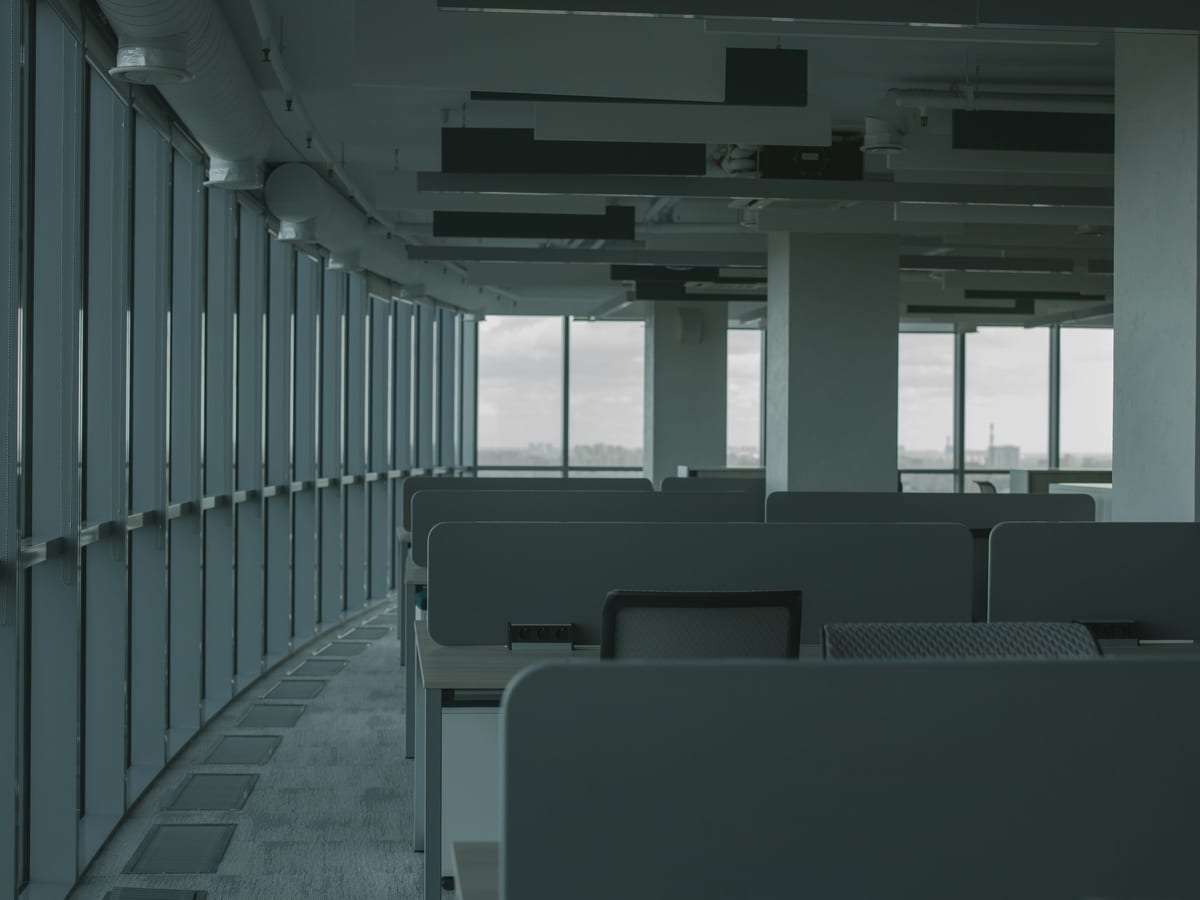
- Offices and companies: staff attendance, and control of management, server and archive rooms.
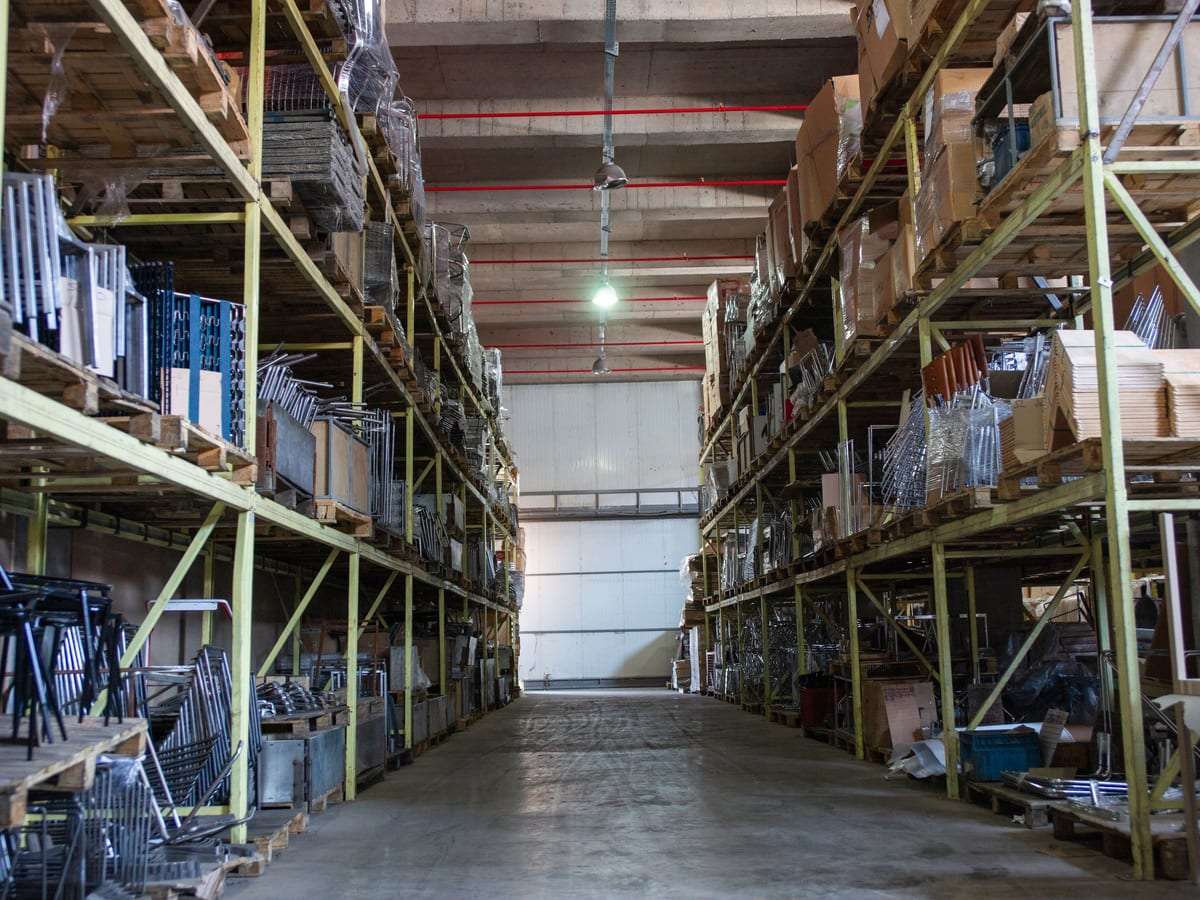
- Warehouses: several shifts, and staff entrances separate from truck gates.
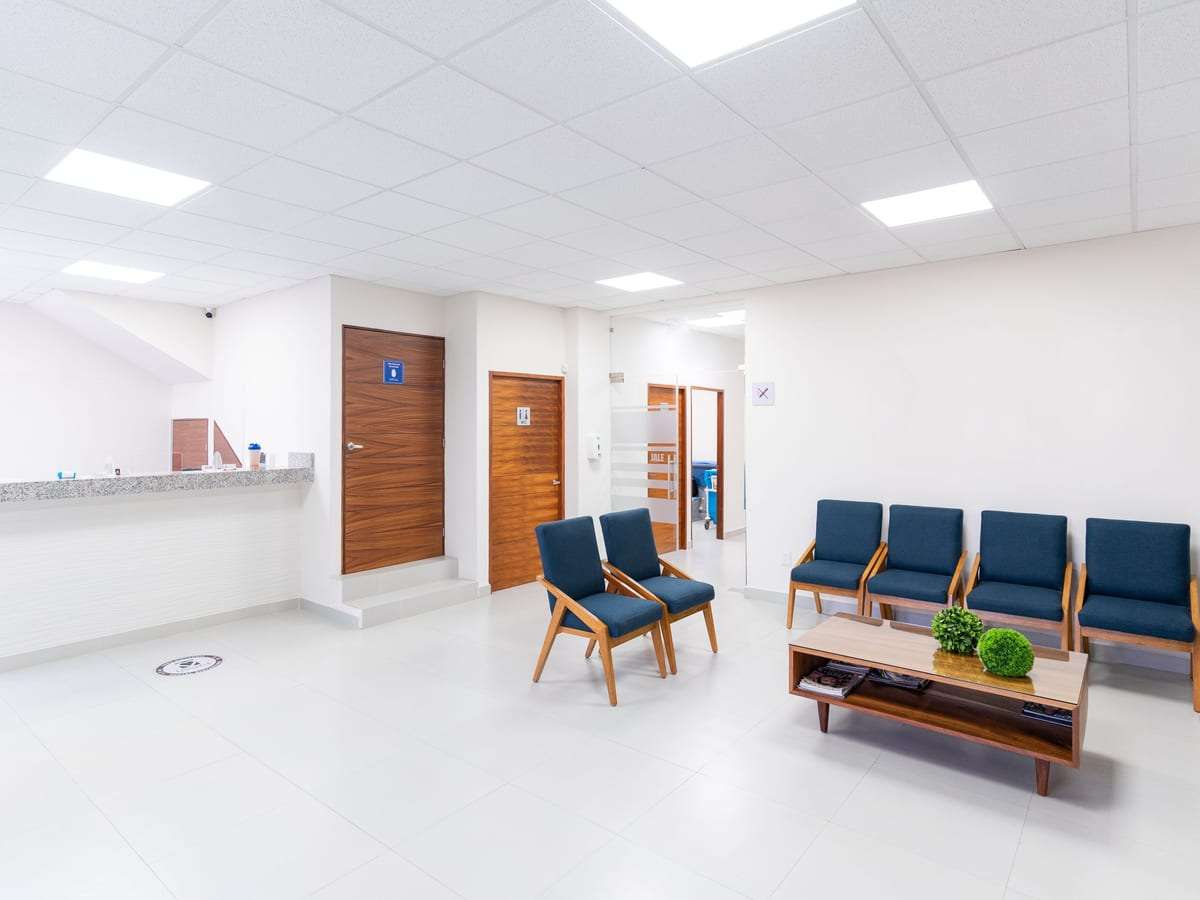
- Clinics: staff-only areas, medicine stores and records.
- Schools and hotels: different permissions for staff by time and place.
- Residential buildings and compounds: card entry for residents at the gate and lobby, often with an intercom.
For homes and istirahas, a smart lock is usually enough instead of a full system.
What affects the cost?
We don’t publish prices. The main factors are:
- Number of doors and readers
One attendance terminal at the entrance is very different from locks on every door.
- Type of reader
Fingerprint, card and face readers differ in cost, and some devices combine several methods.
- Doors and locks
Glass, steel and double doors need different locks and fitting.
- Turnstiles and barriers
Turnstiles and vehicle barriers add civil and electrical work.
- Software and licensing
Some software is sold as a yearly subscription or licensed per number of users or doors.
Compare quotes for the same number of doors, users and reports. More in our security systems cost guide.
Installation steps
- 1. Define the goal
Attendance only, door control, or both? How many staff, doors and shifts?
- 2. Survey and quote
The technician checks the doors, power points and network, then sends a quote for devices, locks and software.
- 3. Installation and cabling
Fitting the reader, lock, exit button and wiring. A single terminal may take a few hours; a large system takes days.
- 4. Enrolment and handover
Enrolling users, setting permissions and shifts, testing emergency and power-cut release, and training the administrator.
After installation: maintenance and day-to-day admin
The most important thing after installation is administration: remove access for anyone who leaves on the same day, cancel lost cards at once and review permissions regularly. Back up the user database and logs.
On the technical side, clean the readers, check the locks and backup battery, and update the device firmware. The system can be added to a maintenance contract together with cameras and fire systems.
Biometric data and privacy
Fingerprints and face images are sensitive biometric data protected under the Personal Data Protection Law. Collect only what you need, tell staff what it is for, keep it in a protected system with limited access and delete it when it is no longer needed. Ask the installer: does the device store an image of the fingerprint or a digital template of it, and where is the data kept?
Attendance records also have labour-law aspects, so make sure you use and keep them correctly. If the system controls an electric lock, doors must open in an emergency in line with safety requirements. More in our attendance systems guide for offices.
Questions to ask the installer before you buy
- Is the company licensed with a suitable commercial registration?
Ask for the licence and a commercial registration covering security systems.
- How are attendance reports exported?
Ask about export formats and whether they work with your payroll or HR software.
- What happens during a power or internet cut?
Does the device keep logs locally, and do doors open safely in an emergency?
- Where is biometric data stored?
On the device, a server on site or a cloud service — and who can reach it?
- How many users and doors does it support?
Ask about the maximum capacity if you expect to grow.

Fingerprint attendance and access control: common questions
What is the difference between an attendance terminal and access control?
An attendance terminal records when staff arrive and leave. Access control opens or blocks doors based on permissions. Many devices do both.
Does fingerprint work for warehouse workers?
Usually, but dirty or cracked hands can make reading harder. In that case ask about a better reader or use cards as an alternative.
Can I export reports to payroll software?
Most systems export spreadsheet files or other formats. Check before you buy that the format suits your software.
Will the door open during a power cut?
It depends on the lock and the design. There must be a safe way to open it in an emergency — ask for it to be tested at handover.
Do I need to tell staff before using fingerprint or face recognition?
Biometric data is sensitive, and telling staff the purpose and how it is stored is good practice and required in many cases. Check the legal requirements.
Do you sell the devices?
No. With your consent we pass your request to licensed installers, and you choose the offer that suits you.
Related services
Helpful guides
Need a fingerprint terminal or access system for your premises?
Tell us the number of doors and staff and the kind of system you have in mind, and licensed installers send you quotes. Free, no obligation.