Access control and attendance: one system or two?
An attendance terminal records when each employee arrives and leaves, usually at the main entrance. An access control system decides who may open which door and when. It consists of a reader at the door, a controller, an electric or magnetic lock, an exit button inside and software for managing permissions.
Many modern devices do both: the same reader opens the door and logs attendance. In a small office with one door, a single networked device may be enough. With several doors and departments, a central system that brings every door into one software is better than separate devices managed one by one. See the components on our access control page.
Fingerprint, card or face recognition?
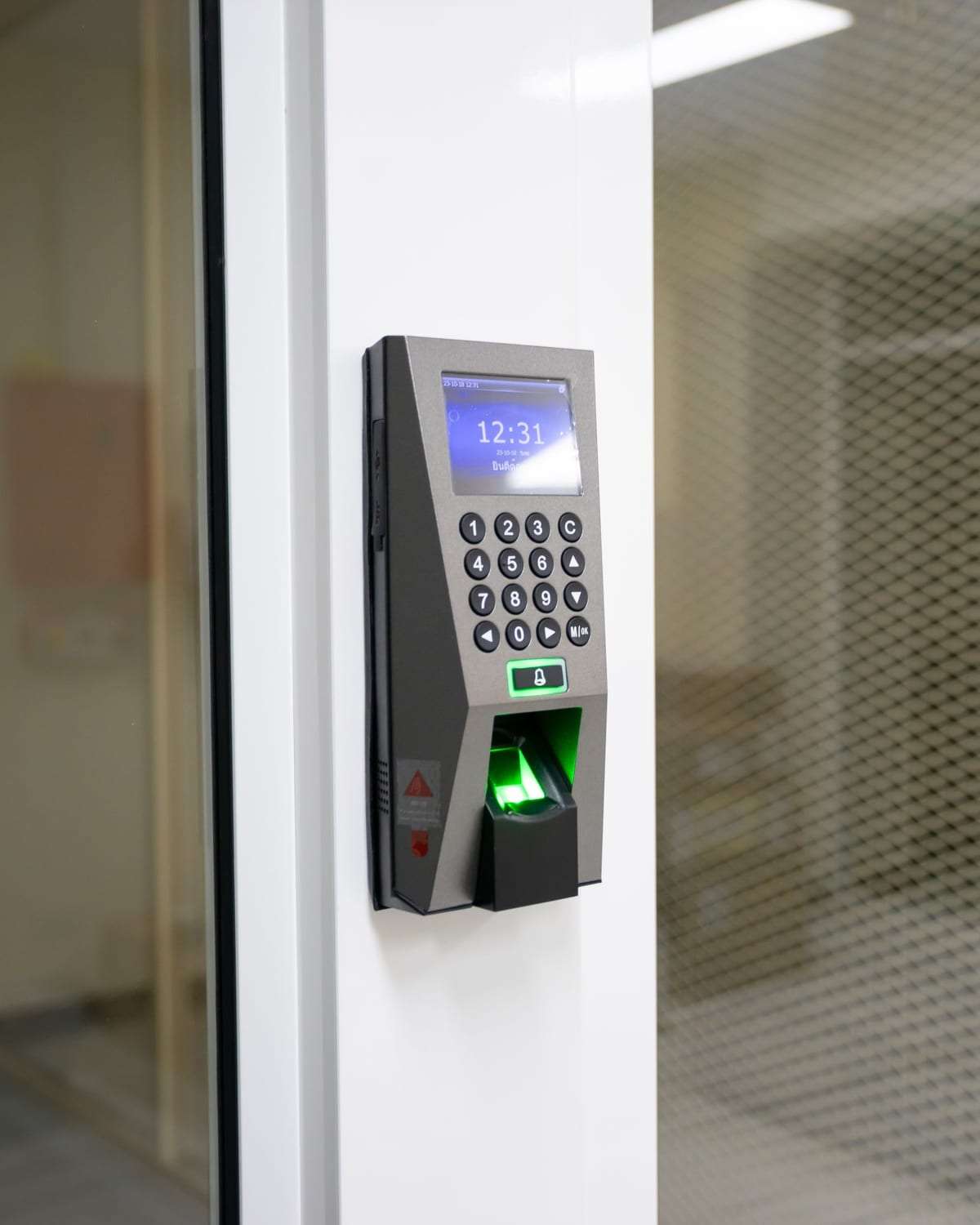
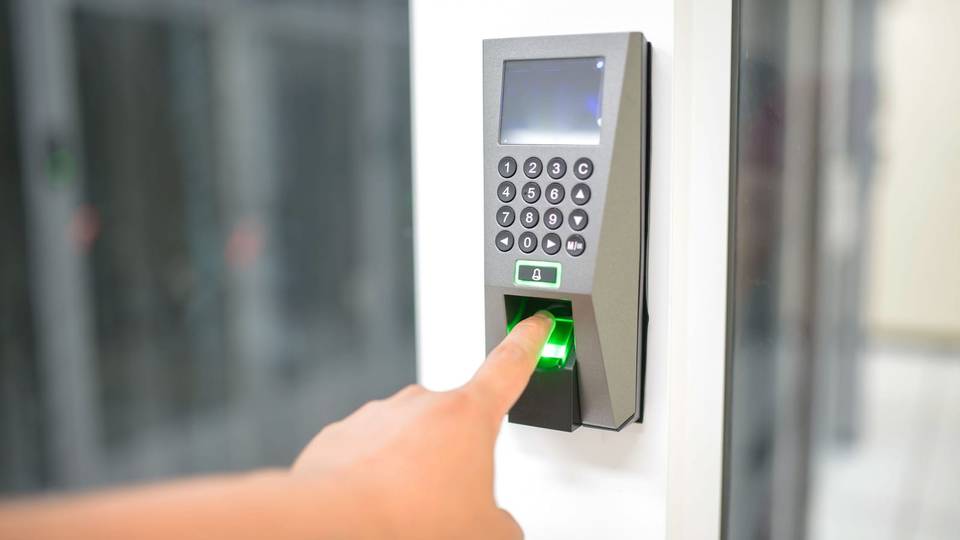
Fingerprint is the most common choice here, because it can’t be forgotten or lent, so nobody clocks in for a colleague. But it depends on the condition of fingers: warehouse workers or staff with dry hands in summer may need several tries, and morning queues at one terminal annoy everyone. A good reader and enrolling more than one finger per person help.
Cards are quick, hygienic and easy to cancel: when someone leaves or loses a card, you disable it in the software in a minute. The downside is that cards get lent and forgotten, so they are often used for internal doors, or with a PIN for sensitive rooms. Some systems also let a phone act as the card.
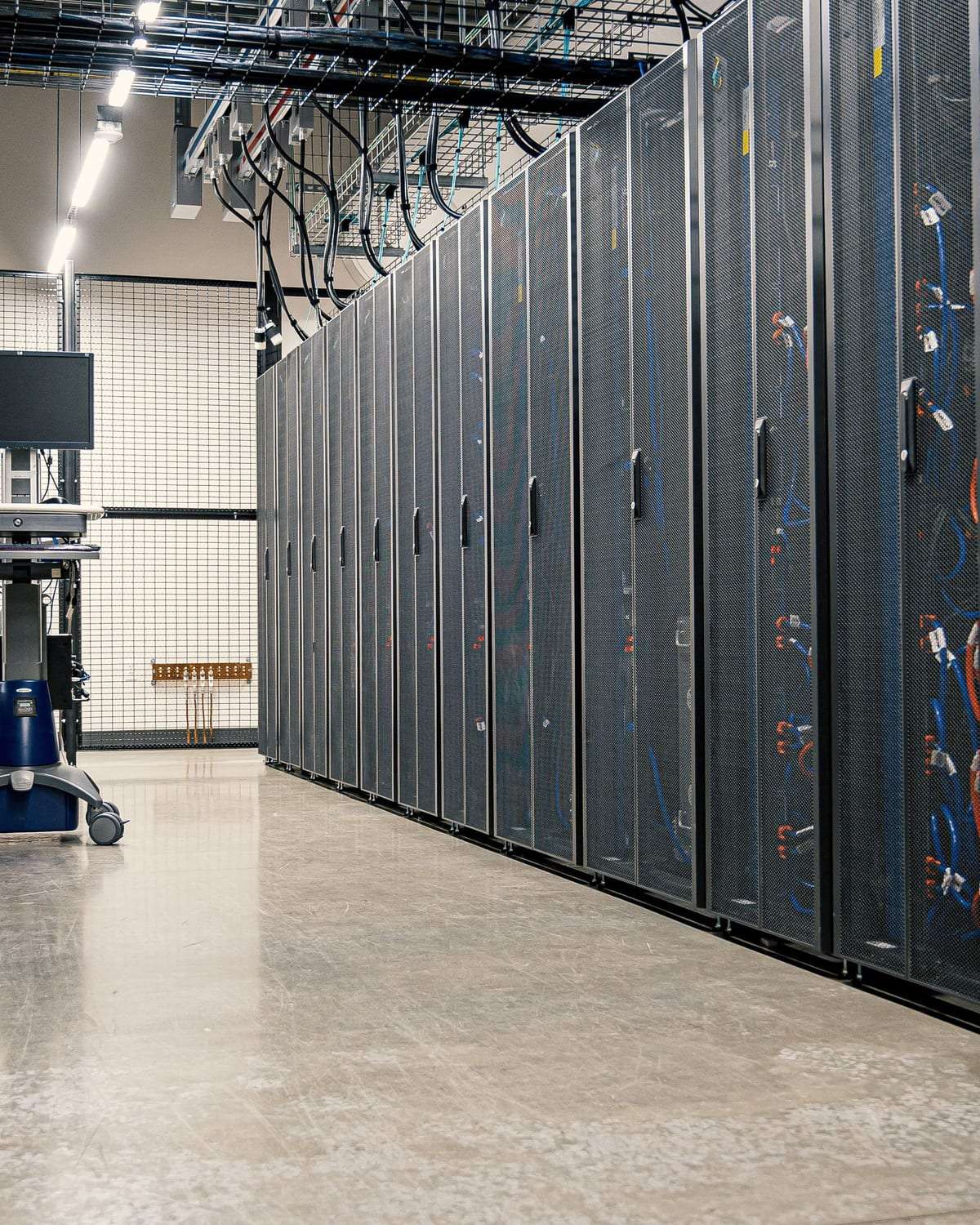
Face recognition is touch-free and fast at busy times, and is now common in new offices. It needs suitable lighting at the entrance and careful setup, and raises bigger privacy questions because a face image is sensitive data. In mid-size offices we often see a mix: face or fingerprint at the main entrance for attendance, cards for internal doors, and card plus PIN for the server room.
The attendance reports HR actually needs
The real value is in the reports, not the device. Make sure the software handles different shifts, flexible hours, Ramadan working hours, lateness, early leaving and overtime, and exports data in a format your payroll system reads. With several branches, make sure reports come together in one place.
Attendance records touch employees’ rights, so keep the rules clear and written: how lateness is calculated, who may edit a record manually and how edits are logged, and when employees can see their own record. A system that allows edits without a clear trail invites disputes. Confirm the legal side of attendance records with someone who knows the labour rules.
Permissions per door and schedules per group
Good design starts with a simple table: doors across the top, staff groups down the side, and in each cell “allowed” or “not allowed” with times. Staff generally use the main entrance during working hours, finance enters the cash room, only IT enters the server room, and cleaners have a set morning or evening window.
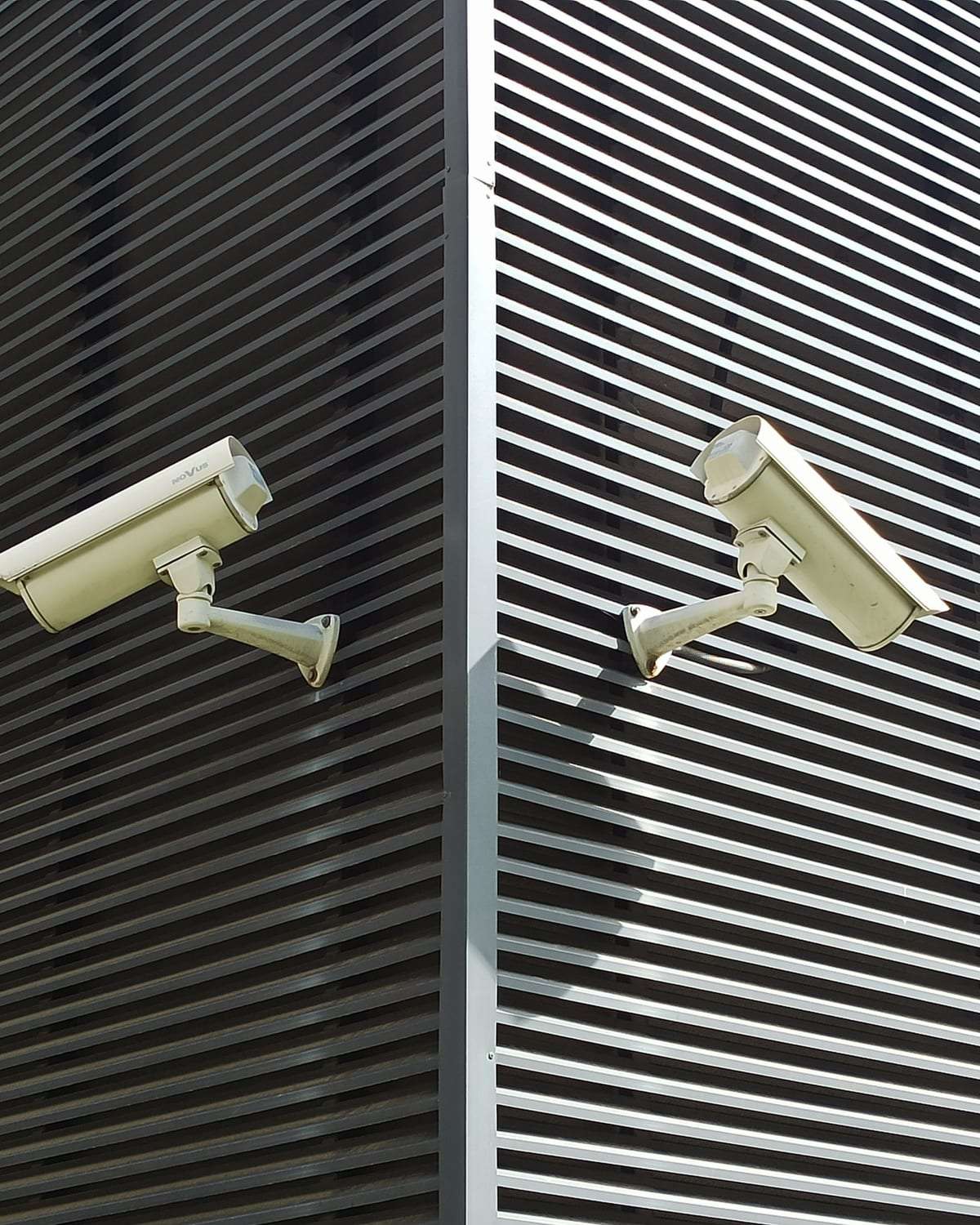
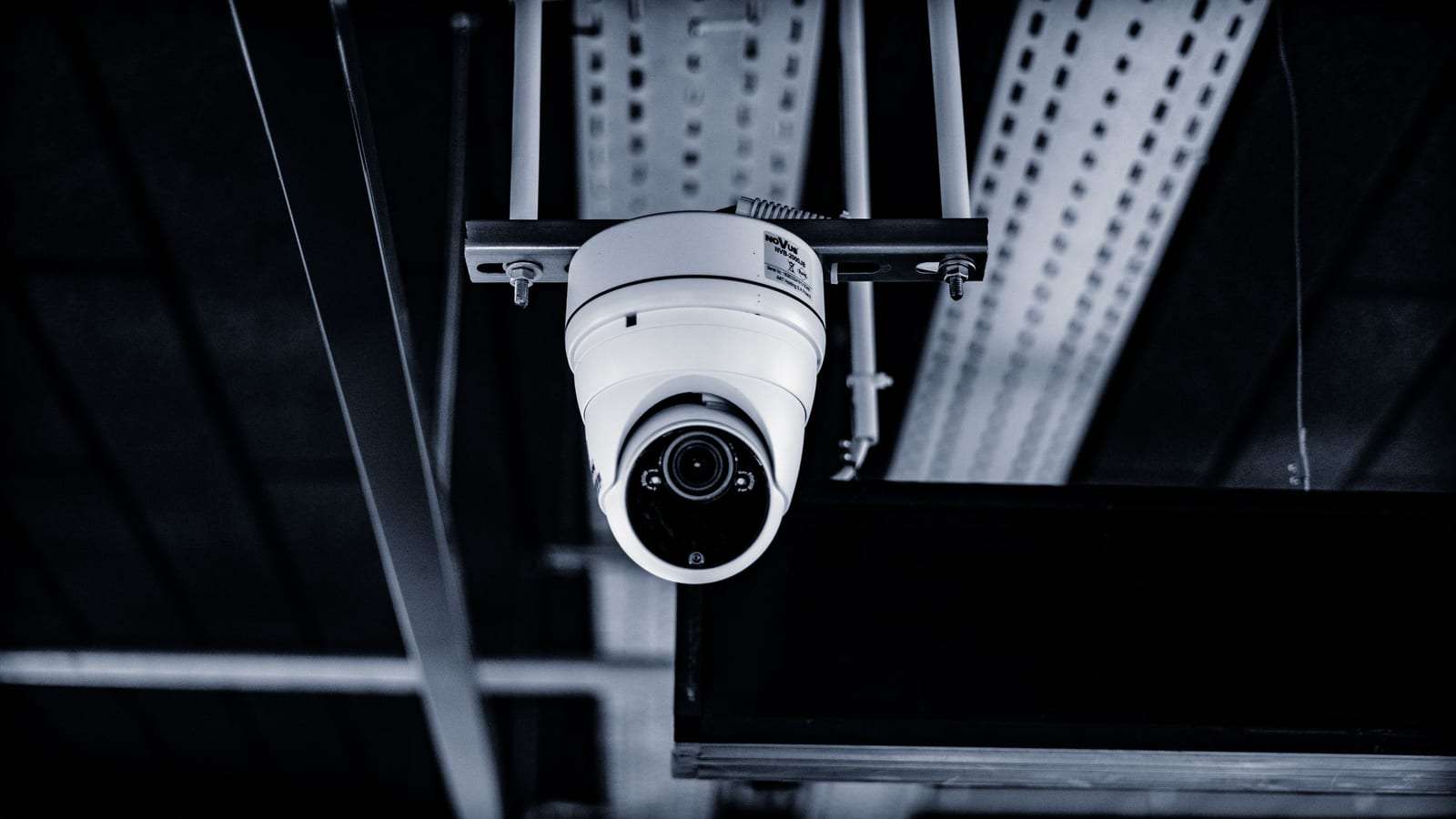
Then come the details people forget: what happens after hours and on holidays? Does the door stay open during reception hours and lock automatically afterwards? Who can change the permissions themselves? Ask for every granted or refused attempt to be logged, and for an alert if a sensitive door is held open too long. This log complements CCTV at entrances; it doesn’t replace it.
Visitor management and reception
Office visitors are clients coming to meetings, suppliers or maintenance technicians. The simplest approach is a receptionist who records the visitor’s name, host and time, and issues a temporary card that opens specific doors and expires the same day. In larger offices, some systems let you invite visitors in advance with a code sent to their phone or WhatsApp.
Don’t ask visitors for fingerprints or face images without a clear reason; there is no need to collect biometric data from someone who visits once. Name, mobile number and purpose are usually enough, deleted after a reasonable period. In multi-tenant buildings, agree the intercom and shared entrance with building management before installing anything. Office needs in general are on our offices page.
Fire alarm integration: doors release on alarm
This is the most important safety point in this guide. An electrically locked door can block an evacuation if it is designed badly. Exit doors and escape routes are therefore normally linked to the fire alarm panel so the locks release automatically on alarm, and anyone can get out without a card or fingerprint.
Magnetic locks open when their power is cut, which is why they suit escape routes, while some electric locks stay locked without power and are used elsewhere. A clear emergency release button next to the door is usually added to cut the lock by hand. The lock type for each door and the integration method should be agreed between the access control installer and the building’s accredited fire systems contractor.
Don’t settle for verbal assurances: ask for the link to be tested at handover with a trial alarm, and check that every door on an escape route actually releases. Your premises’ safety requirements are set by Civil Defense — see our guide to fire alarms and Civil Defense.
Employee privacy and biometric data
Fingerprints and face images are sensitive personal data, and the Personal Data Protection Law places duties on the business that collects and stores them. Tell employees in writing why you collect them, collect only what you need, and limit software access to those who genuinely need it. Offer an alternative, such as a card, to anyone whose fingerprint doesn’t read or who has an acceptable reason not to use it.
Ask the installer: does the device store a fingerprint image or an encrypted template? Is the data kept on a device in the office or in a cloud service, and in which country? Delete an employee’s biometric data when they leave, and change default passwords on devices and software. Before signing, check the company’s licence and commercial registration, and ask about a maintenance contract that covers software updates and backups of the records.
FAQ
What suits a small office: fingerprint or face?
For a small office with one door, a device combining fingerprint and card is usually enough. Face recognition helps when headcount is high and mornings are busy, or when hygiene is a priority.
Does the system work during a power cut?
That depends on backup batteries for the controller and locks. Ask how each door behaves without power — doors on escape routes must stay openable from inside.
Can I connect two or more branches in one system?
Yes, with most networked systems: permissions are managed and attendance reports gathered in one place. Mention the number of branches in your request.
Do I have to tell staff before installing fingerprint attendance?
Yes. It is a basic right, and their biometric data is sensitive. Explain the purpose, how it is stored and who can see it, and check the legal requirements that apply to your business.
Do you install the systems yourselves?
No. SaudiSecurity compares offers and, with your consent, passes your request to licensed installers. The agreement and warranty are between you and the installer you choose.
This guide is general information, not legal advice. Rules and requirements can change — always confirm with the competent official bodies and a licensed installer before deciding.