Regulatory compliance
Getting your premises ready for surveillance camera requirements
Certain commercial and public premises in Saudi Arabia are required to install surveillance cameras to a set standard — it is not left to the owner’s taste. The system has to match what the competent authorities ask for: which parts of the premises are covered, how long recordings are kept and who installs the system.
Here is the general picture in plain terms, with a practical checklist for before you sign a contract or before an inspection. Send one request and licensed installers send you quotes that spell the requirements out item by item.
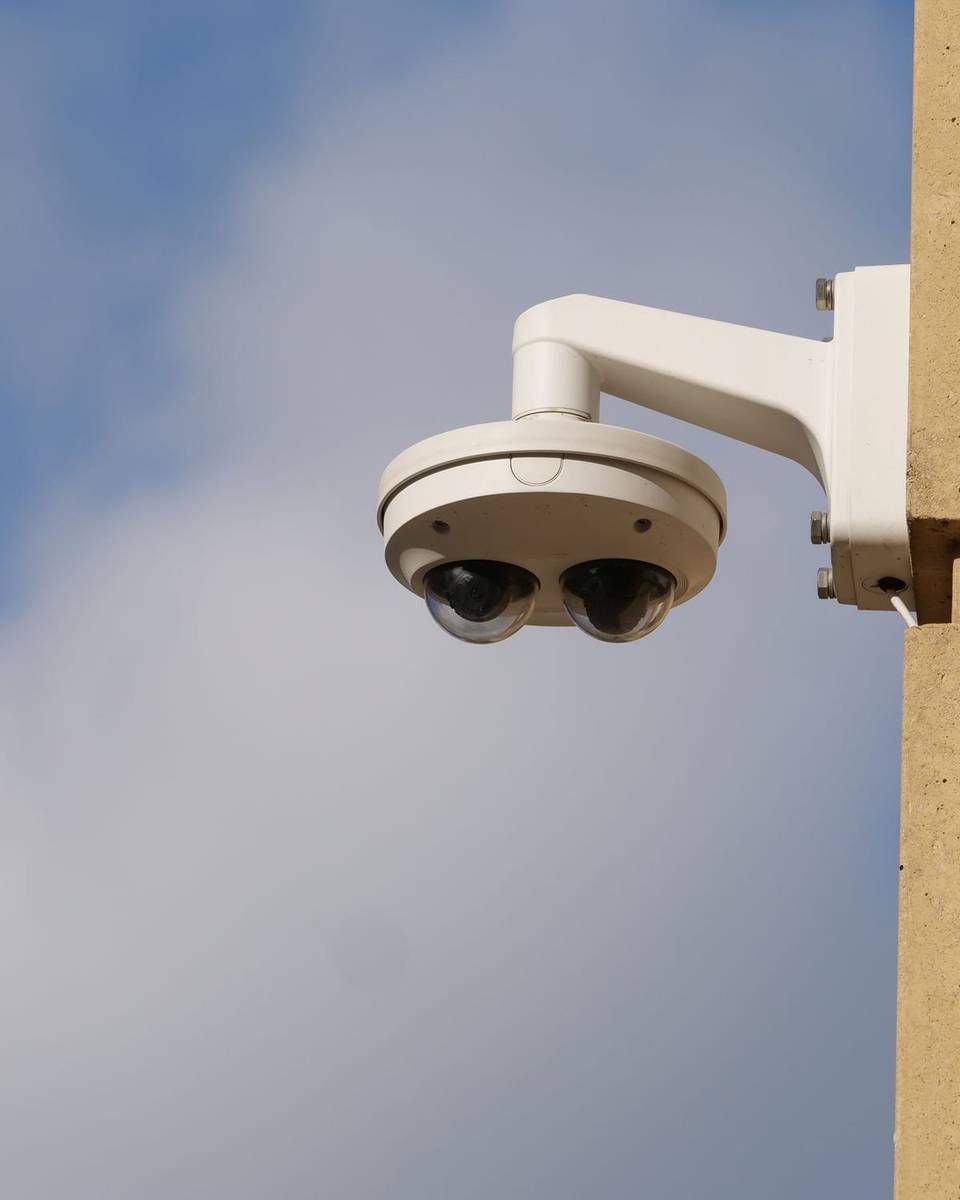
What a compliance set-up includes
Getting compliant is broader than fitting cameras. A suitable quote usually covers:
A review of your premises
The installer works out with you whether your activity is one that requires cameras and which requirements apply given its type and size, and reviews any existing system.
A written coverage plan
A drawing or list of camera positions and what each one covers — entrances, exits, parking, cash points and anything else the requirements call for — while leaving out prohibited areas.
Recording sized for retention
A recorder and disks calculated from the number of cameras, the resolution and the retention period required for your activity, not a rough guess.
Backup power and time settings
A backup power supply for the core equipment, and an accurate system clock and date so recordings can be relied on.
Documents and handover
The camera plan, passwords and equipment details, plus how to export a recording when asked.
System choices that compliance affects
The requirements don’t pick a brand or model for you, but they shape clear design decisions. We give no legal values here — ask the installer to write the ones that apply to you into the quote.
Coverage of entrances, exits and parking
The locations the requirements call for decide the camera count, the lenses and whether you need outdoor cameras with night vision for parking and perimeter walls.
Storage sized for retention
The required retention period, together with resolution and camera count, sets the disk capacity. Undersized storage is a common gap in older systems.
Backup power
A power cut means a gap in recording. A backup supply for the recorder and switch reduces those gaps — ask how long it lasts.
Time synchronisation
Footage with the wrong time loses its value. Ask for automatic time sync from a reliable source, and have it checked on every maintenance visit.
Who has to install surveillance cameras?
Saudi Arabia has a law on the use of security surveillance cameras and implementing regulations that name categories of premises and activities required to install cameras — broadly, certain commercial and public premises that people visit or that hold cash and goods. The official list and its details come from the competent authorities.
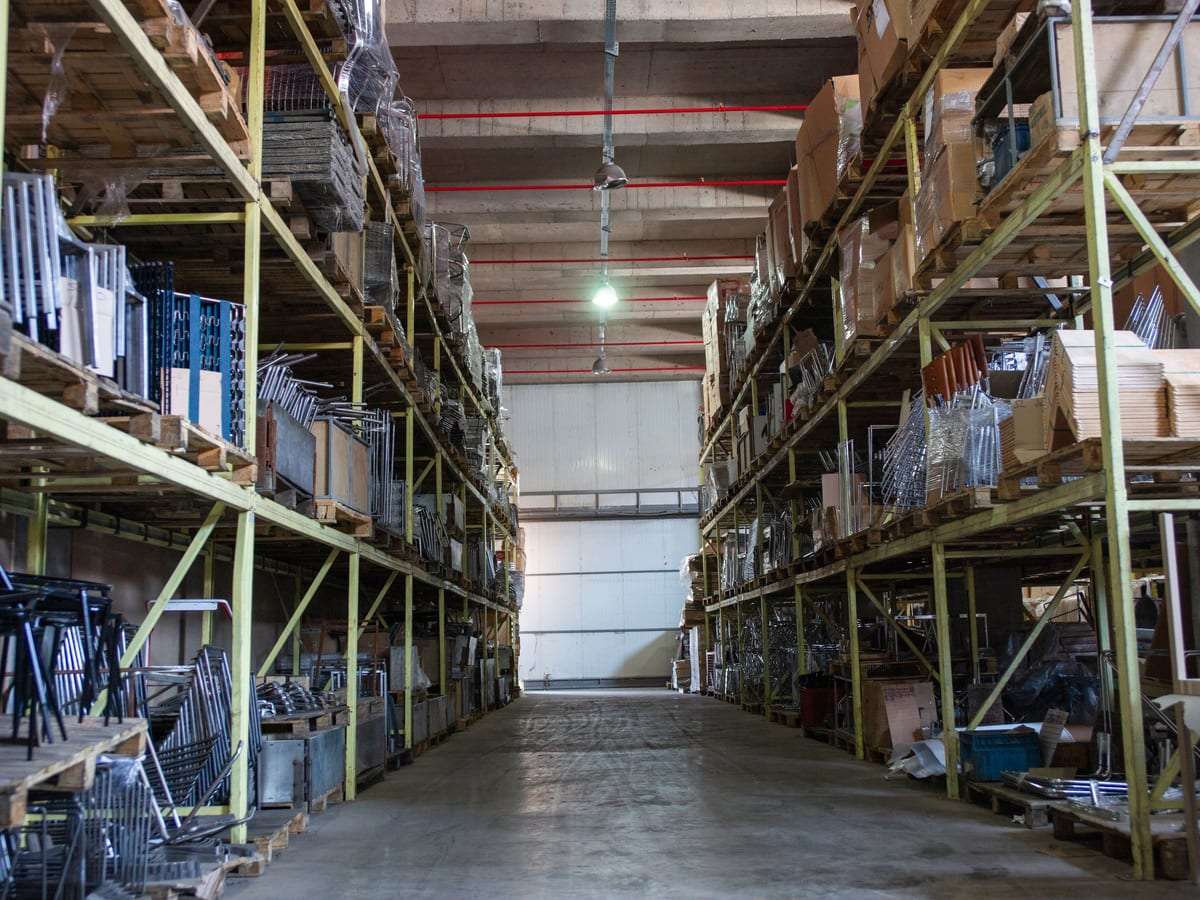
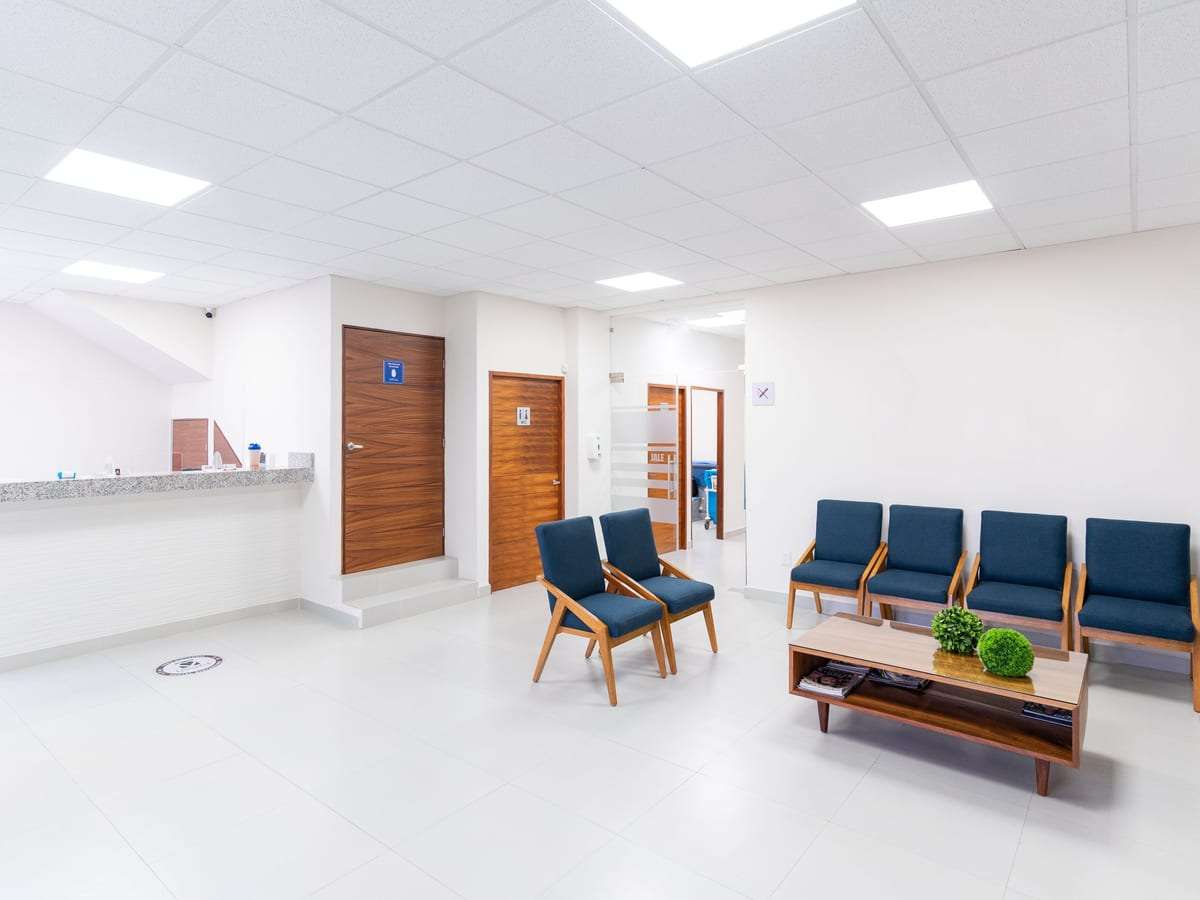
Owners who typically ask include shops and showrooms, restaurants and cafés, warehouses, clinics and pharmacies, hotels and residential buildings and compounds. Appearing in these examples doesn’t necessarily mean your activity is covered, and not appearing doesn’t mean it is exempt — check your own case.
A practical checklist for business owners
Go through these points with your installer or premises manager. They are general steps; the final reference is what the competent authorities set for your activity.
Confirm whether your activity is covered
Check the official requirements for your type of business, and ask a licensed installer which category applies to you.
List the areas to be covered
Write down the entrances, exits, parking, cash points and any other locations that apply, and compare them with where your cameras are now.
Keep prohibited areas camera-free
No cameras in toilets, changing rooms or places of a private nature — and check whether other areas are off-limits for your activity.
Check retention in practice
Open the recorder and look at the oldest recording stored. Does it cover the required period on every camera?
Keep the installer’s documents
File a copy of the company’s licence and commercial registration, the contract, the camera plan and any handover certificate.
Decide who can see recordings
Set up accounts with limited permissions, note who may view or copy footage, and never publish clips.
An inspection is coming up — what to do
The competent authorities may visit premises to check compliance, and it is better to be ready well in advance. Start with a simple check: are all cameras working with a clear picture? Does the recorder keep the required period? Are the time and date correct? Do you know how to export footage for a given time? Prepare a file with the installer’s licence, the contract and the camera plan.
If you find a gap, ask your licensed installer for an inspection visit and a written list of what needs completing. If you don’t have an installer at the moment, request offers and mention that a visit is coming up so installers know your priority.
What affects the cost of getting compliant?
We don’t publish prices. The cost depends on the state of your premises, and mainly on:
- New system or upgrade
Upgrading an existing system with extra cameras or disks can cost less than a full new system, if the current cabling and equipment are sound.
- Number of required locations
Each extra entrance, parking area or cash point means another camera and another cable run.
- Retention and resolution
These two drive storage capacity, and so the cost of the recorder and disks.
- Backup power
The size of the backup supply depends on the number of devices and how long it needs to run.
Ask each installer to tie their line items to the requirements that apply to you, then compare. General cost factors are in our security systems cost guide.
How the set-up works
- 1. Your request
Send your type of business, city and the state of your current system — and whether an inspection is coming up.
- 2. Survey and check
The installer visits, compares the current system with the requirements and identifies the gaps.
- 3. Written quote
A quote listing cameras and positions, storage capacity and expected retention, backup power and the timeline.
- 4. Work and handover
Installation or changes, then testing every camera, the recording and the clock, and handing over documents and passwords.
Compliance doesn’t end at handover
A system that complies today can fall short within months: a camera fails, a disk fills up, or the clock drifts after a power cut. Set a simple routine check and look at the oldest stored recording now and then.
A maintenance contract that covers checking the recording and retention, with a written report after each visit, helps you show the system is looked after regularly.
Privacy and the limits of use
The requirements don’t only call for filming — they also set limits on it. No cameras in toilets, changing rooms or any place of a private nature, and no cameras pointed beyond the premises without need.
Recordings are held in trust: only authorised people may view them, they are copied or handed over only as the law allows and to the competent authorities, and they are never posted on social media. Images of people are personal data with their own legal protection, and you may need a sign telling visitors cameras are in use. For the general picture, read our camera rules for businesses and recording retention guide.
Questions to ask the installer before you sign
- Is the company licensed to install security surveillance systems?
Ask for the licence number and a commercial registration with the right activity, and check them the way the competent authority sets out. See how to choose a licensed installer.
- Which requirements apply to my activity?
Have them written into the quote: the areas covered, the retention period and the specifications that apply.
- What do I get at handover?
The camera plan, passwords, equipment details and any certificate or handover record available.
- Do you offer a maintenance contract that keeps the system compliant?
Ask about the number of visits, what is checked and the response time for faults.


Camera compliance: common questions
How do I know if my premises must have cameras?
Check the official requirements from the competent authorities for your type of activity, and ask a licensed installer. Don’t rely on unofficial lists.
How long must recordings be kept?
The regulations set the period by activity. We don’t give a number here because it can differ or change — ask the installer to state the period that applies to you and size the storage for it.
I already have old cameras. Do I have to replace them all?
Not necessarily. Many systems can be brought up to standard by adding cameras, disks or backup power. Ask for a check of your current system before deciding.
Can I install the cameras myself?
If your premises fall under the requirements, installation is normally done by a company licensed for this activity. Check what applies to you.
Is SaudiSecurity an official body, or do you inspect premises?
No. We only compare offers: with your consent we pass your request to licensed installers. We don’t inspect, issue certificates or install anything ourselves.
Who is allowed to request the recordings?
The competent authorities, as the law sets out. Don’t hand over or publish footage to anyone else without a legal basis.
Get offers from licensed installers to prepare your premises
Tell us your type of business, city and the state of your current system, and licensed installers send you quotes. Free, no obligation.